4-9
REMOVE THE USER INTERFACE
Remove the control panel (see page 4-1).
Remove the escutcheon (see page 4-7).
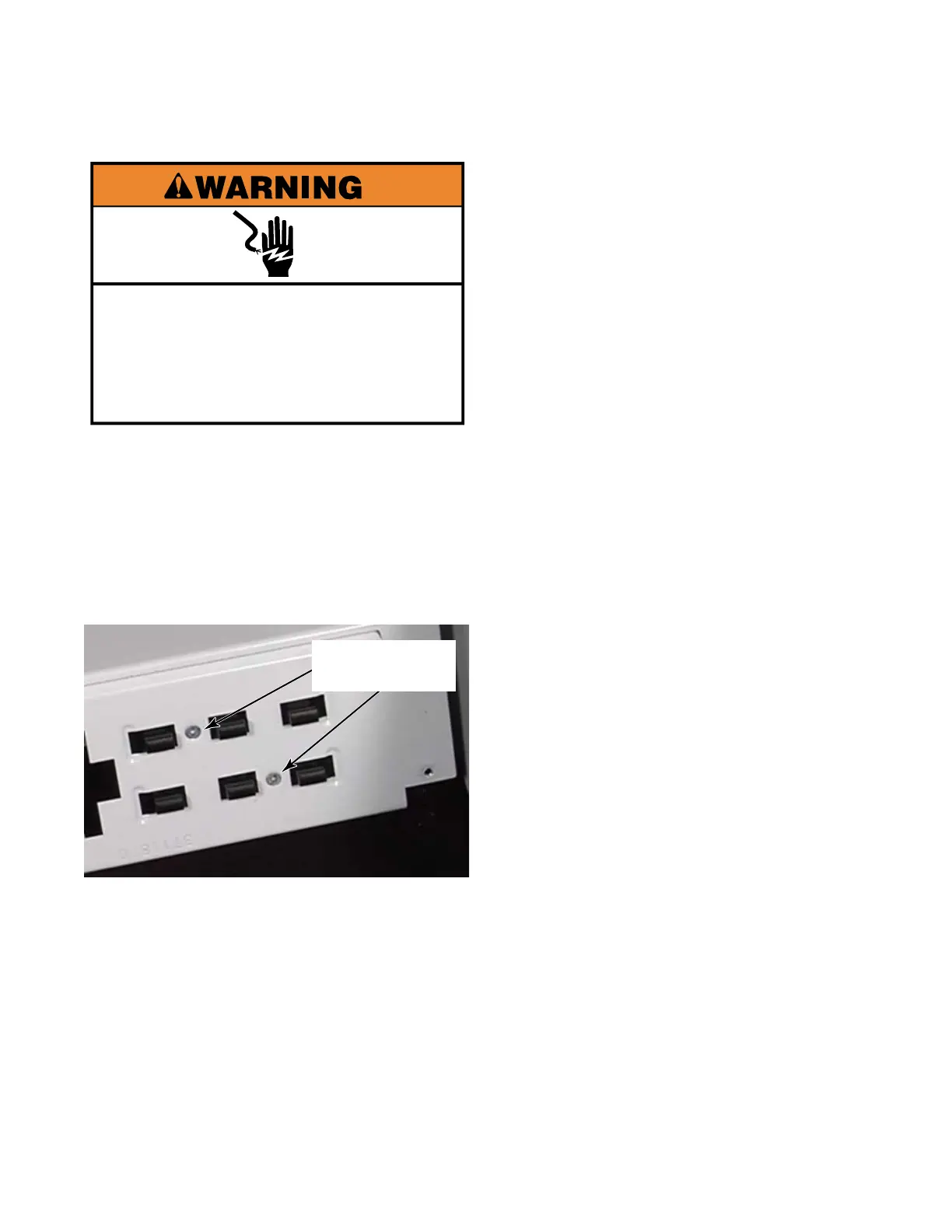
Remove two Phillips screws from the front
of the control panel.
Remove the user interface from the
opposite side.
1.
2.
3.
4.
Two Phillips
screws
Electrical Shock Hazard
Disconnect power before servicing.
Replace all parts and panels before
operating.
Failure to do so can result in death or
electrical shock.


 To Next Page