6-2
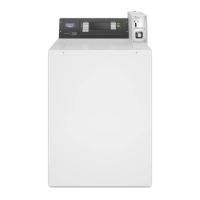
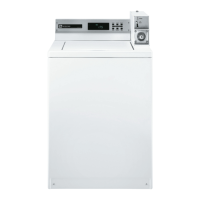
TOP LOAD WASHER DIAGNOSTIC MODE
This mode is entered by depressing the
LOWER RIGHT key pad for 1 second while
in any of the set-up codes 1 through 6,
anytime a diagnostic code is present, or while
dAS displays if operating with Maytag Data
Acquisition setup.
On entry to diagnostic mode the entire display
will ash, a cycle in process is cancelled,
money in escrow is cleared, and diagnostic
codes are cleared. If a
diagnostic code persists, it must be corrected
before the following cycle options are
permitted.
There are two possible ways to initiate cycle
activity from diagnostic mode as follows:
Field Diagnostic Cycle – With the entire
display flashing, this cycle is started by
pressing the LOWER MIDDLE key pad.
This cycle provides a quick verification that
the cold and hot water valves, pump, and
motor are working. It is also a method to
quickly get into a drain and spin to remove
water from the washer if desired.
3 second cold fill, ‘C’ displayed
3 second hot fill, ‘H’ displayed
3 second warm fill, ‘CH’ displayed
6 second agitate, ‘A’ displayed
5.5 second drain, ‘d’ displayed
9.5 second spin, ‘S’ displayed
Pressing the LOWER MIDDLE key pad will
pause/resume the cycle at any point during
the diagnostic cycle. Pressing the LOWER
RIGHT key pad will exit diagnostic mode
and cancel a diagnostic cycle in process.
1.
•
•
•
•
•
•
•
2. Cycle Credit – With the entire display
flashing, a cycle may be credited by
pressing the LOWER LEFT key pad (CC will
display). When the service mode is exited
‘SELECT CYCLE’ will be displayed unless
the end-of-cycle lid opening is required.


 To Next Page