4-38
Remove entire cabinet (see page 4-17).
Remove two - 5/16 inch hex head screws
at the base of the feature panel that secure
it to the base. If removed previously,
the feature panel support strap can be
reinstalled to support the feature panel while
removing the screws.
Turn the strap to allow the tab to slide
through the slot in the feature panel and
remove the feature panel from the base.
1.
2.
3.
REMOVE FEATURE PANEL
Two 5/16 inch
screws
Support
strap
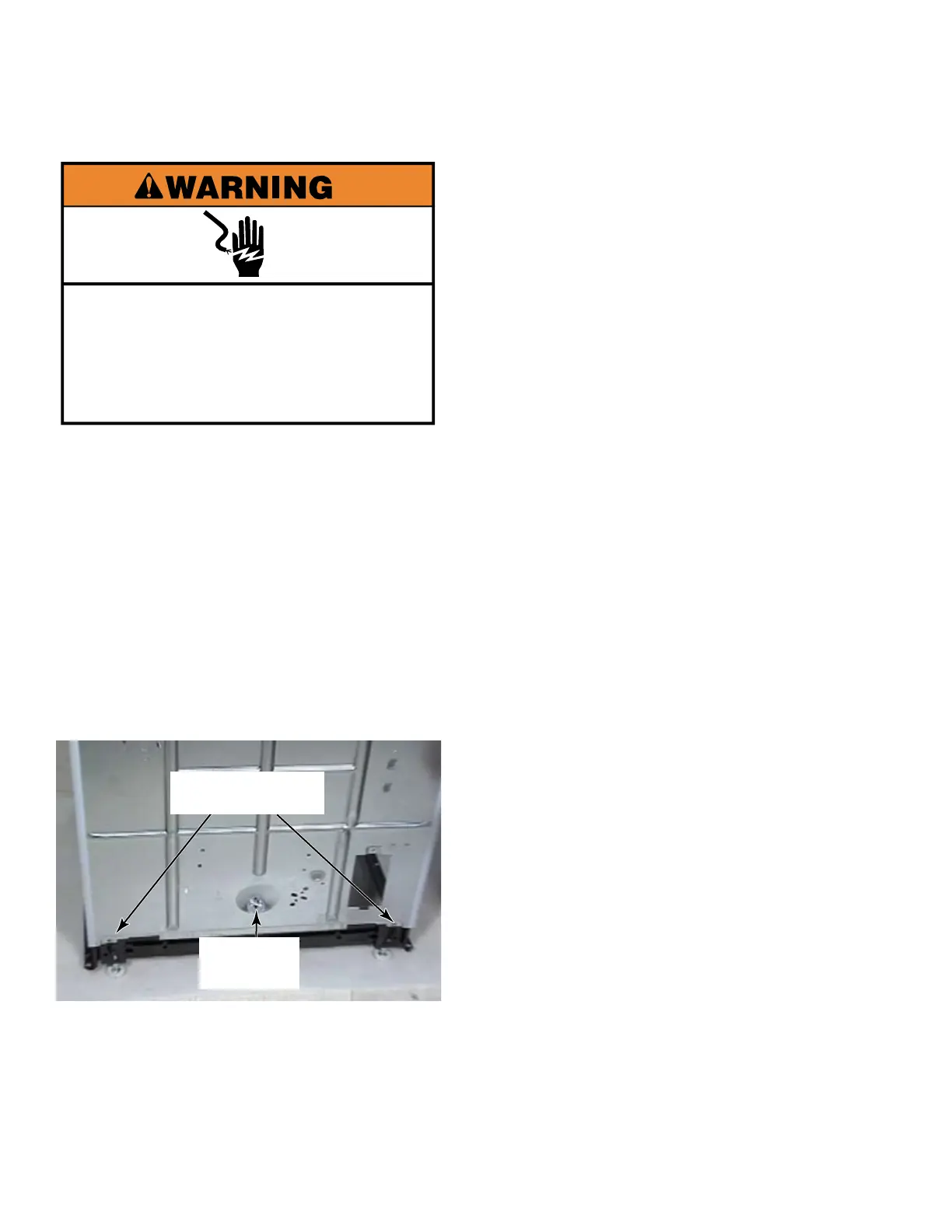
Electrical Shock Hazard
Disconnect power before servicing.
Replace all parts and panels before
operating.
Failure to do so can result in death or
electrical shock.


 To Next Page