91
4. On test lead set labeled CT H/P Connect the high voltage connector color coded blue to the MVCT
high voltage connector that is color coded blue and labeled MEASUREMEMT. Use the red alignment
mark on the 2 connectors to properly align them before connecting
5. On test lead set labeled CT X/S connect the test lead binding posts X1 and X5 to secondary of the
current transformer on the desired tap. Observe the polarity marks on the CT (X1 on test set is
polarity terminal).
6. On test lead set labeled CT H/P connect the test lead primary binding posts H1 and H2 to CT primary
bushings H1 and H2.Observe the polarity marks on the CT (H1 on the test set is polarity terminal).
7. Turn Power ON/OFF switch to ON.
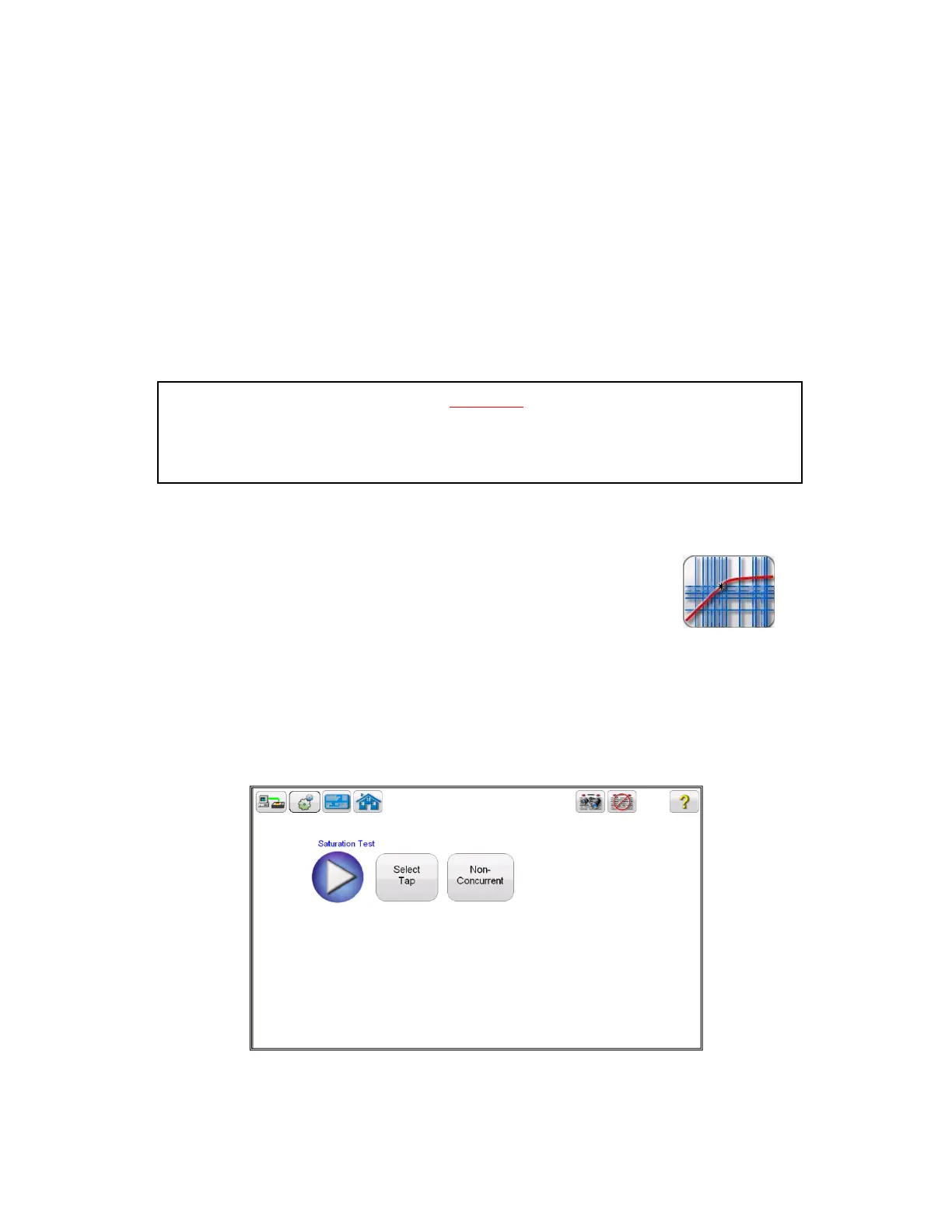
8. After the boot up, in the Home Screen select the “Saturation Test” button
9. In the saturation test screen, deselect the Concurrent Mode of operation. This will allow the user
to conduct a saturation test upon an individual tap
Figure 63 CT Saturation Test Screen – Non Concurrent
WARNING
The MVCT produces high voltages and currents during the performance of tests. DO NOT
TOUCH connector clips or test leads while the MVCT is performing a test.



 To Next Page