92
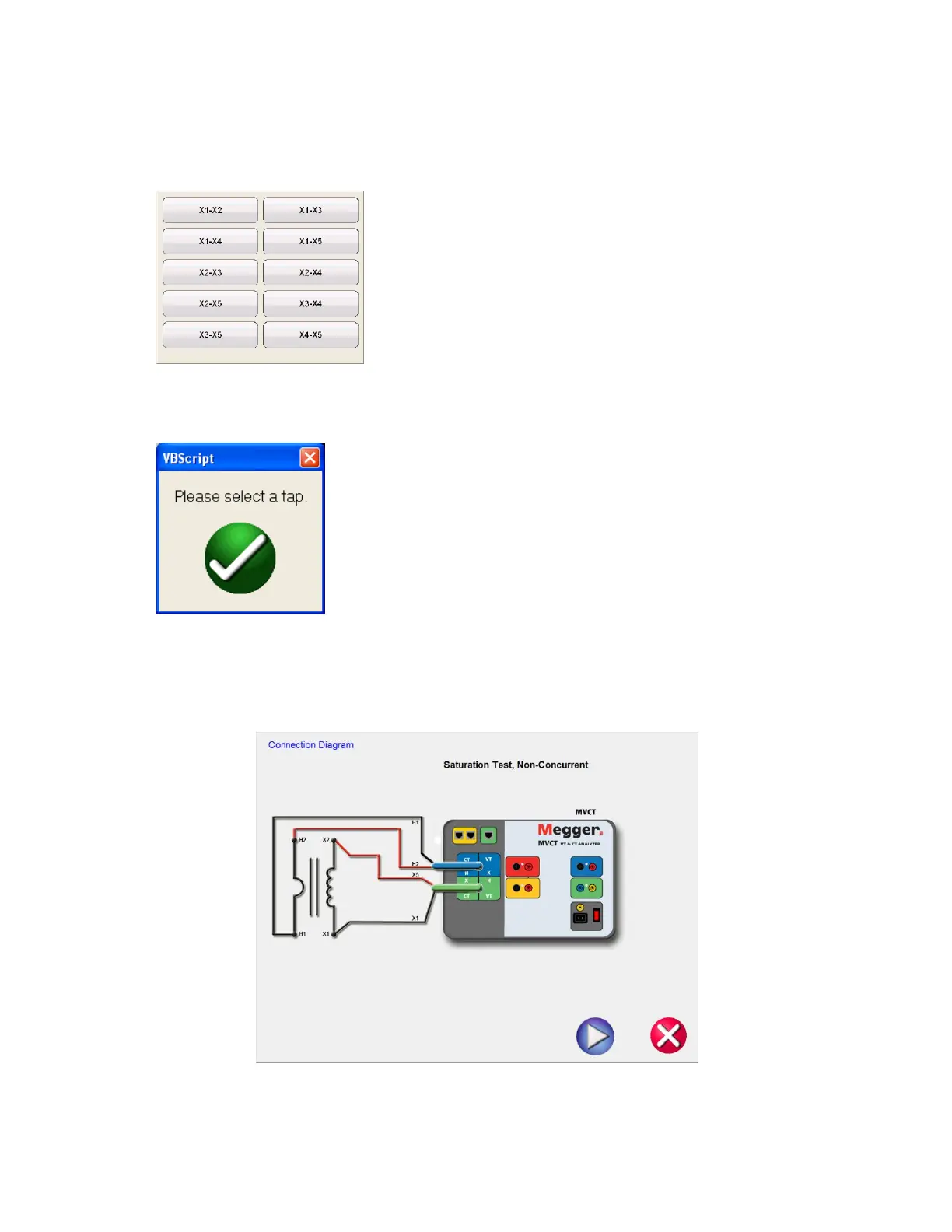
10. Hit the Select Tap function button to select the appropriate tap to be tested
11. Select the tap configuration before hitting the PLAY button. If PLAY button is
pressed before selecting the tap, following message will appear:
12. After selecting the appropriate tap, select the play button and a connection diagram will appear
showing how to correctly connect the MVCT to the CT
Figure 64 CT Saturation Connection Diagram - Non Concurrent



 To Next Page