8.2 Monitoring Modus
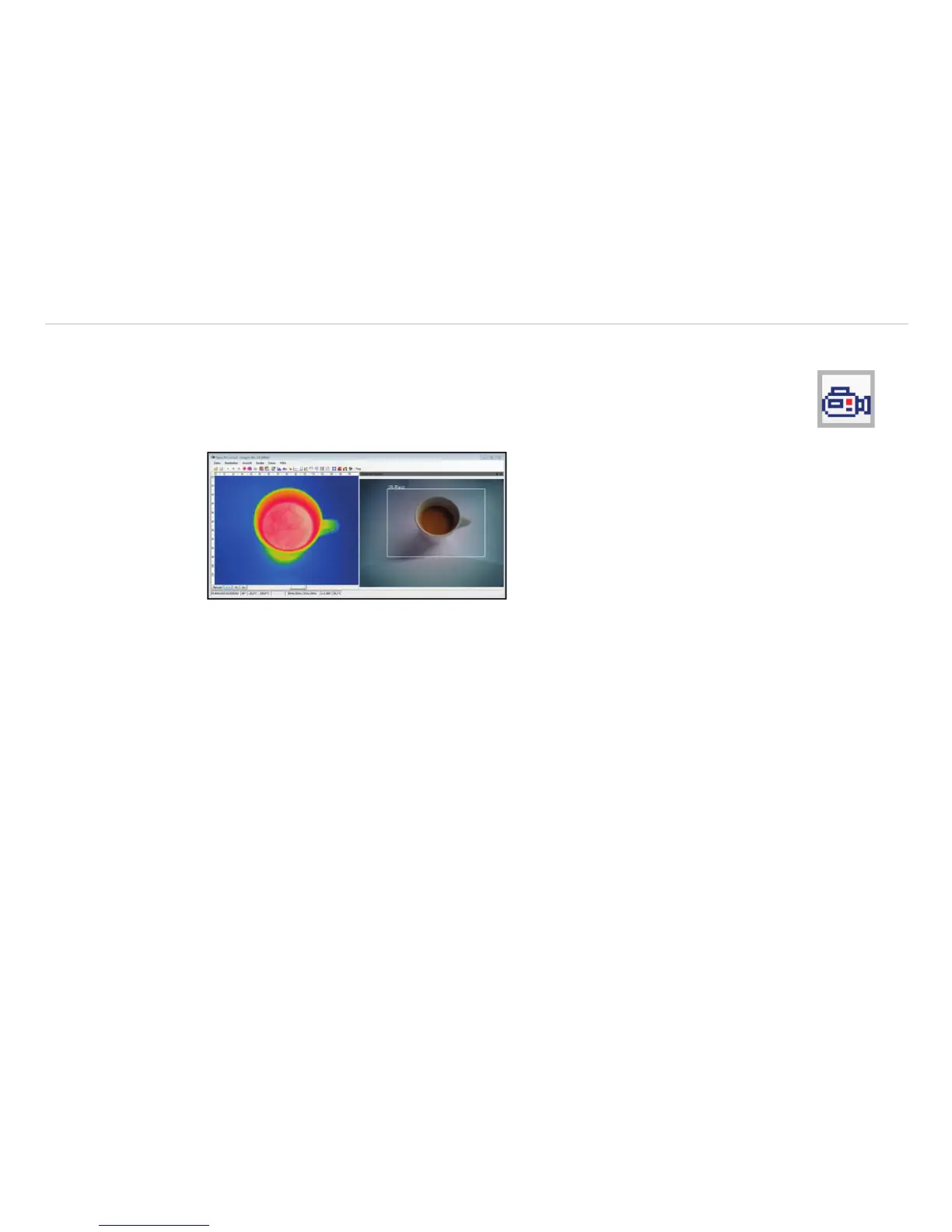
The monitoring modus is used to have an easy orientation at the point of measurement. In
this modus the visual image is displayed in a separate window.
To add the separate software window please use the menu item View, Windows and Vis-
ible video or the Icon on the toolbar.
Fig. 97 Monitoring Modus
i
The rectangle within the visual image shows the area covered by the thermal image. In order to cover a
big area the wide-angle lens is used, to cover a smaller area the telephoto lens.
In the View, Image Information and IR rectangle menu it is possible to hide the displayed
rectangle.


 To Next Page