4.6.2 Start of Multiple Software / Imager Instances
In case you are using more than one TIM simultaneously each imager can be linked to one software instance.
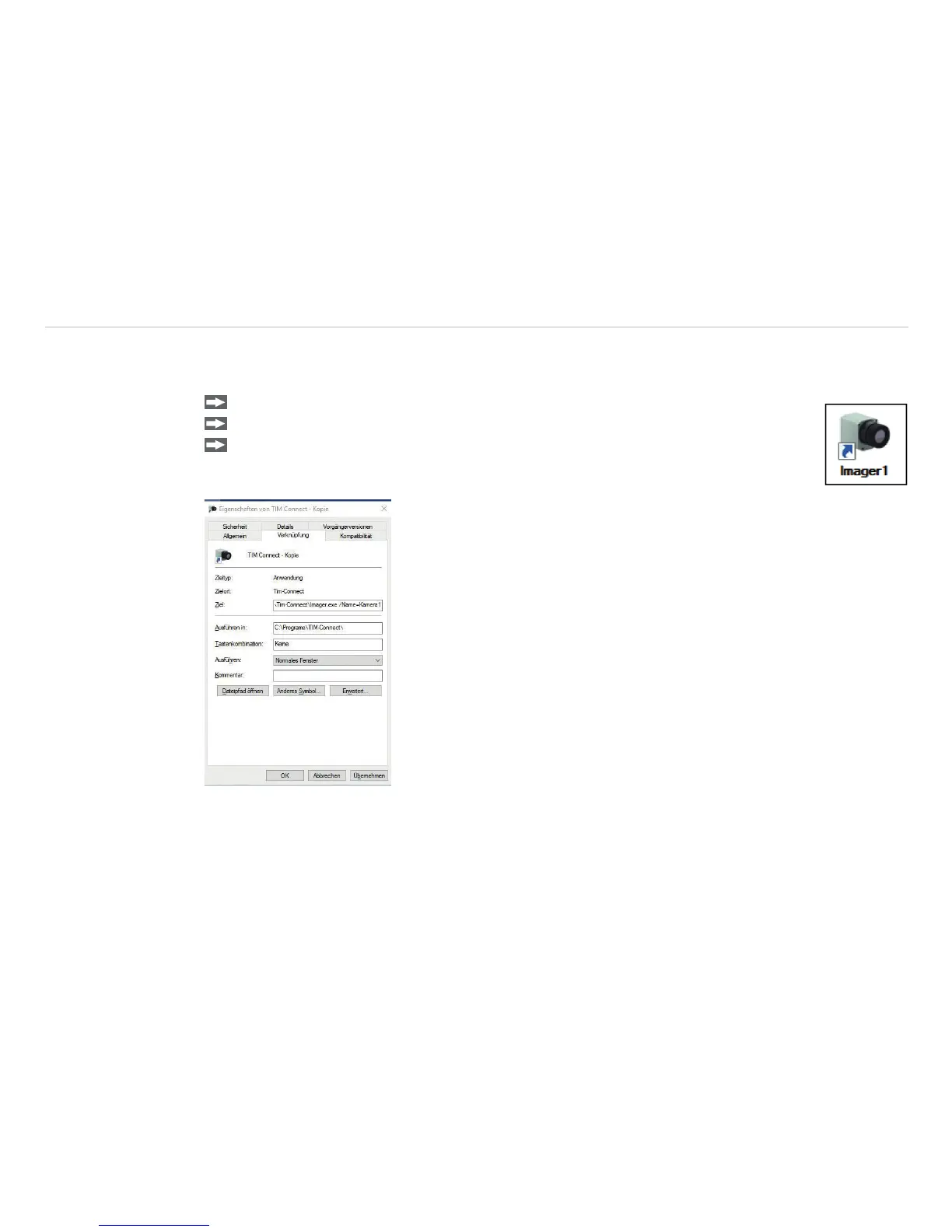
In order to setup further software instance please follow the steps below:
Duplicate the software icon at the desktop.
Optional: Change the name of the new software icon at the desktop, e.g. Imager1.
Make a right click on the new icon, click on Properties , go to Shortcut and Target and
at the end of the line type the new name in: „C:\Programme\...\TIM Connect\Im-
ager.exe“ /Name=Imager1, see Chap. 4.6.1., see Fig. 48.
Fig. 48 View Imager 1 Properties



 To Next Page