4. Software Configuration
4.1 General Settings
You can activate all here mentioned features in the Tools, Configuration and General menu (except for
color palettes).
4.1.1 Color Palettes
In the Tools, Configuration, Measuring colors and Standard palette menu you can choose from
a list of color palettes to achieve ideal displaying of the infrared image and the included temperature informa-
tion.
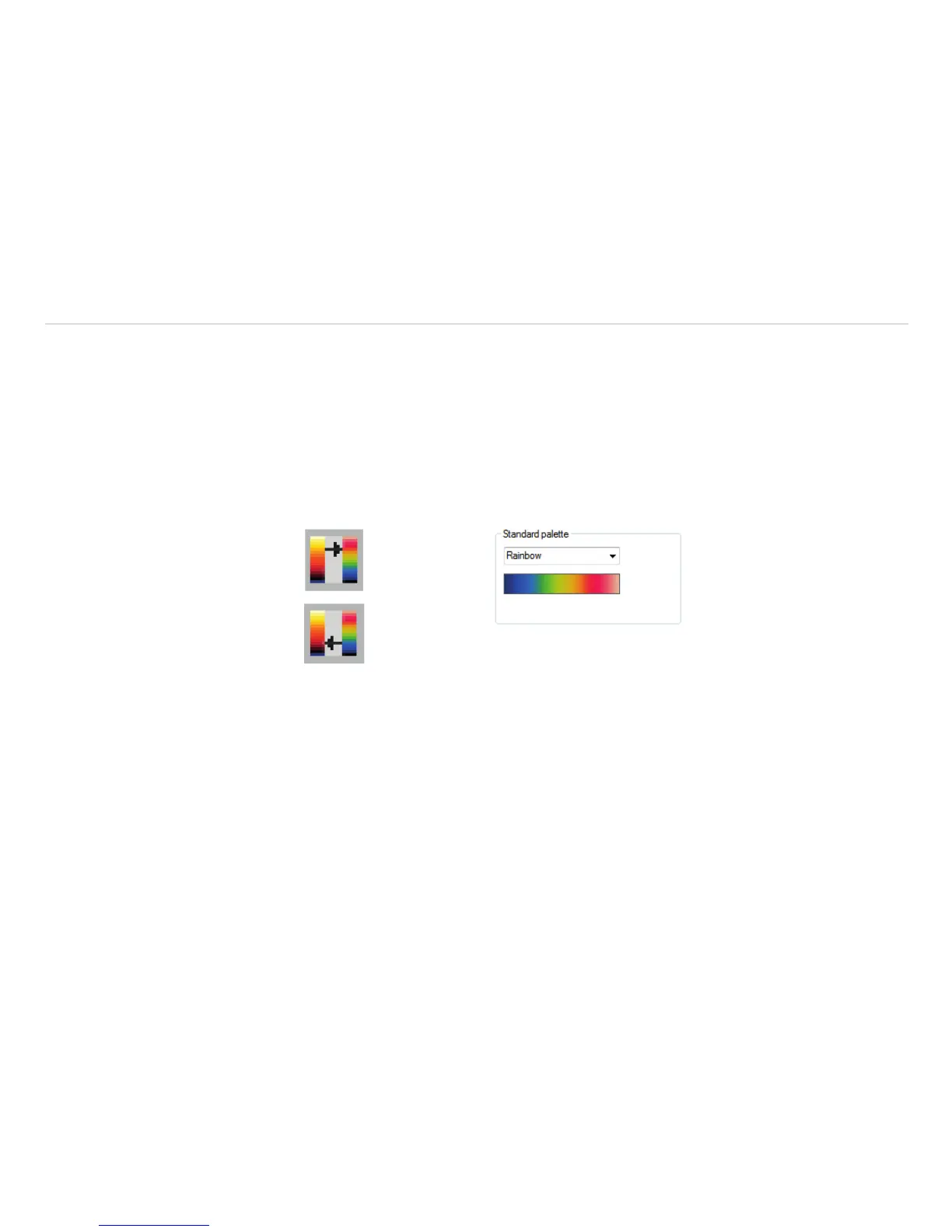
Fig. 7 Icons for color palette selection Fig. 8 Dropdown menu Standard palette
In the Tools, Configuration, Measuring colors and Standard palette menu, see Fig. 8, you can
choose from a list of color palettes to achieve ideal displaying of the infrared image and the included tem-
perature information.
You can also adjust the color palette via the Icon on the toolbar or the menu View and Shift palette.


 To Next Page