5.6.10 Capture Screen
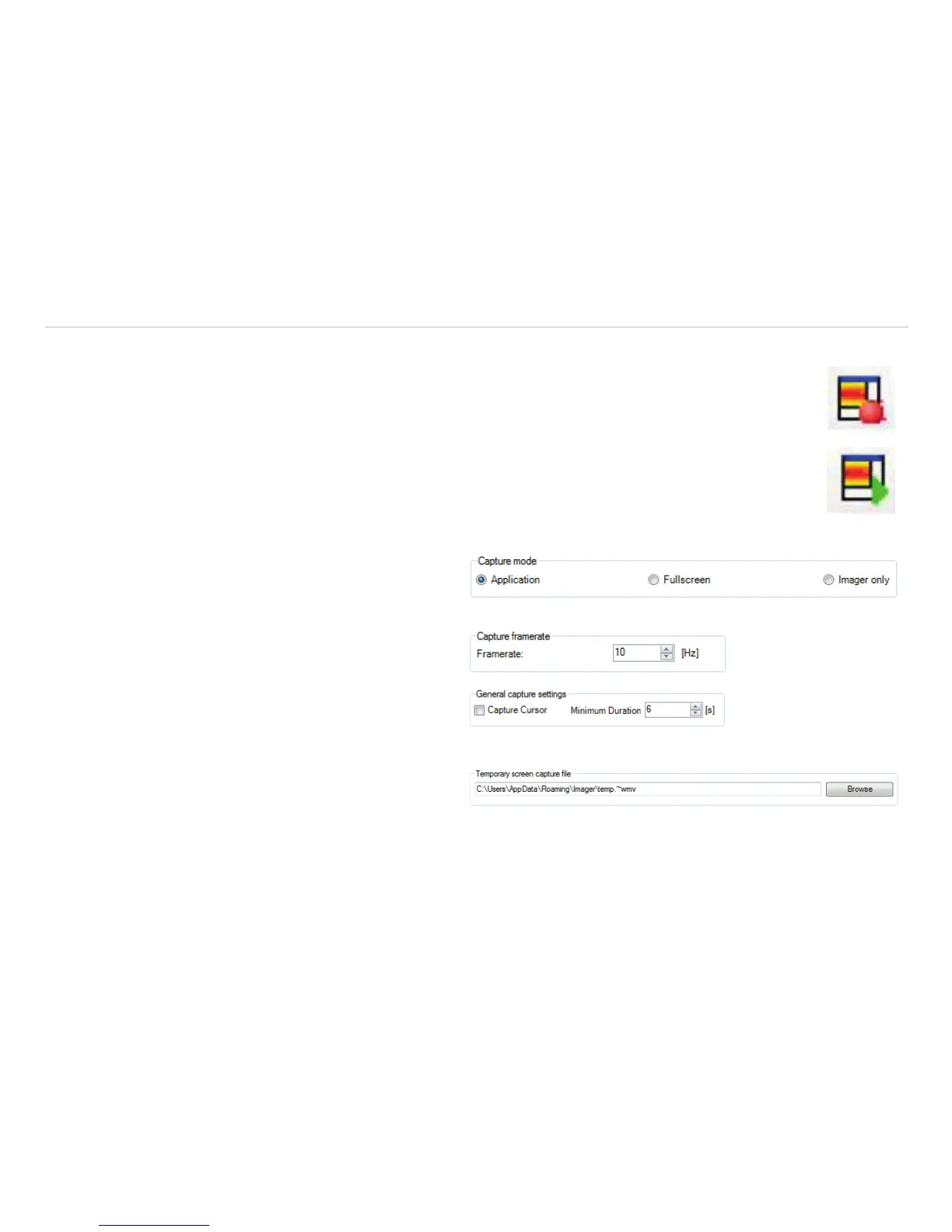
The software offers the possibility to make a screen recording (wmv format). To start a Capture screen, go
to File, Capture screen, and Capture screen. Alternatively, you can also press the F7 key or the
adjacent icon.
The replay of the last Capture screen recording can be started under File, Capture screen and Replay
captured screen. Alternatively, press the Alt + F7 key or the adjacent icon.
The following setting options can be found in the configuration menu under the tab Capture screen.
Under Capture mode, you can choose be-
tween Application (TIM Connect window),
Fullscreen (whole window of screen), and Im-
ager only (IR screen only).
At Capture framerate, you can enter the
Framerate at which the recording is to be re-
corded.
Under General capture settings, you can
select whether the mouse Capture Cursor is to
be recorded and what is the Minimum Duration
of the recording.
The Temporary screen capture file is
stored in the following path:


 To Next Page