Furthermore, a recording can be stopped via Abort recording if alarm condition drops out. If
this option is not chosen the recording will be finished based on the time in the duration box.
With the Snapshot on alarm option you can set a Delay [sec] time before an alarm will trigger the
storage of an image.
Fig. 92 View Snapshot on alarm
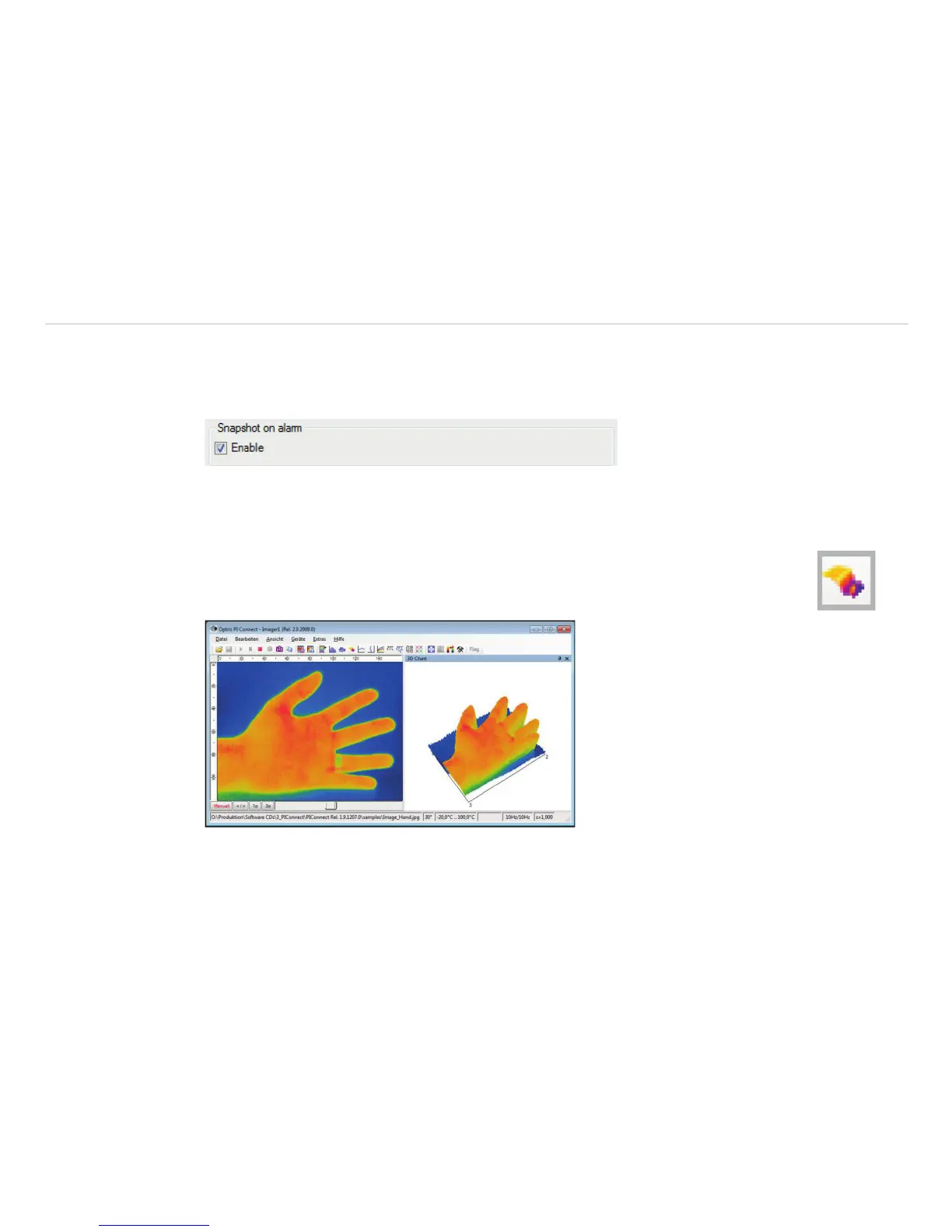
6.9 3D Display of Thermal Image
Thermal images can be displayed in real time as 3 dimensional images. The 3D Chart is dis-
played in a separate window. To add the software window please use the menu item View,
Windows and 3D Chart or the Icon on the toolbar.
Fig. 93 View 3D display of thermal image



 To Next Page