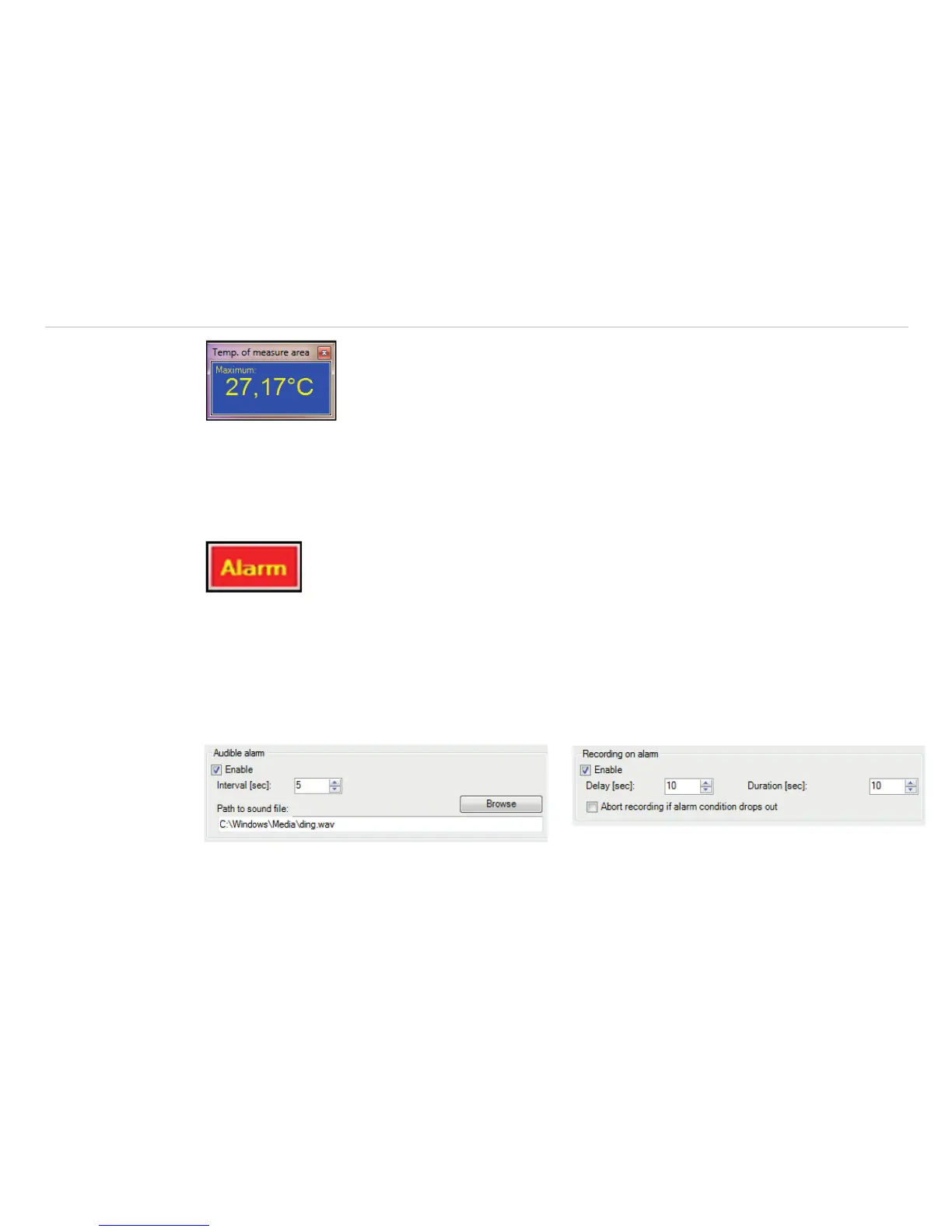
If a temperature value shall be used as an pre-alarm, you need to tag the Pre-alarms option. The alarm can
also be put out via the Process Interface (PIF) using the Alarm to PIF option.
i
If activating the Alarm Appl., a red alarm button on the toolbar appears. You can deactivate the visual
and acoustic alarm by clicking on the alarm button. The alarm will stay deactivate until the alarm value
is reached again.
In the Alarm configuration window you can set an Audible alarm, see Fig. 90. In the Inter-
val [sec] input box you can specify the time interval the sound appears. Via the Path to sound file
you can Browse an individual *.wav file. The acoustic alarm signalization can be repeated in defined intervals
setting the Interval [sec].
Using the option Recording on alarm, see Fig. 91, you can specify a Delay [sec]. The recording
starts after the delay time is over. In the Duration [sec] box the recording time of the video sequence can
be set.
Fig. 90 View Audible Alarm Fig. 91 View Recording on alarm



 To Next Page