5.5 Editing Video Sequences
The selected video can be edited by using Trim to selection option in the Edit menu.
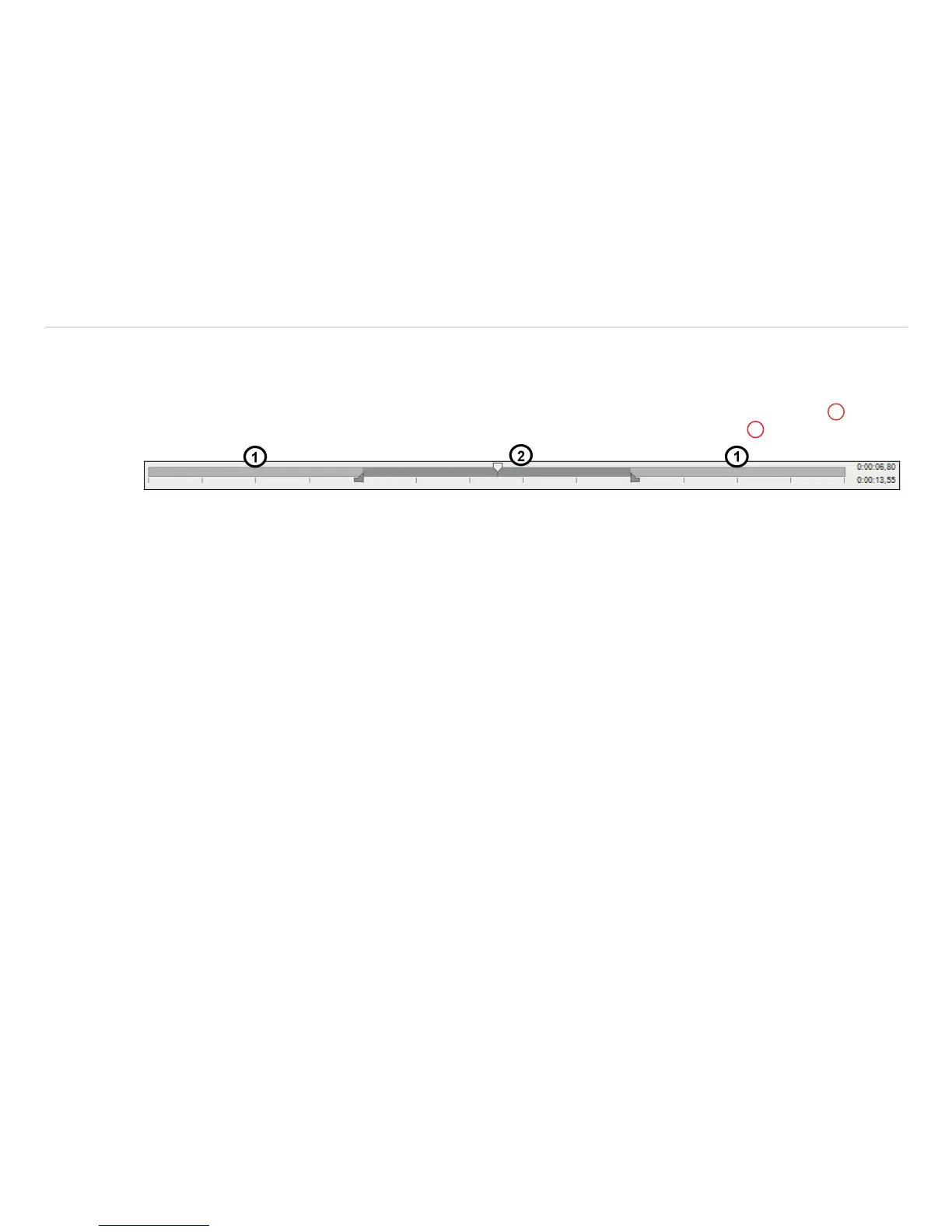
A time bar tool is shown on the bottom of the image. Set the position marks on the time bar to select the beginning
and end of the video sequence you want to be edited. The not selected video sequence parts (bright grey)
1
will be
deleted by choosing Trim to selection option. The selected video sequence (dark grey)
2
will remain.


 To Next Page