4.1.2 Temperature Unit
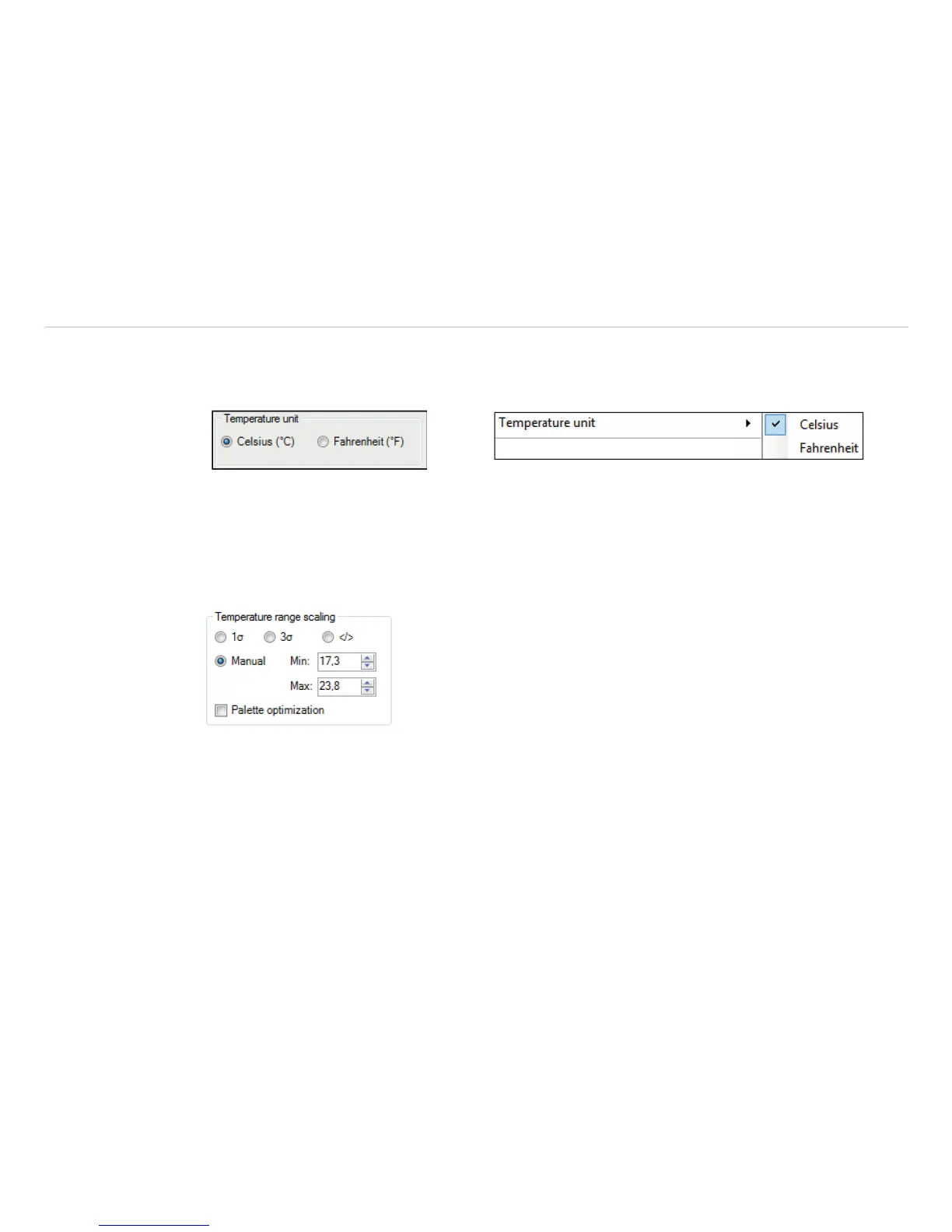
The temperature unit can be changed in the menu Tools, Extended and Options. When setting the Tem-
perature unit you can choose between Celsius (°C) and Fahrenheit (°F), see Fig. 11.
Fig. 11 View Temperature unit Fig. 12 View Temperature unit
Alternatively, the temperature unit can also be changed by pressing the right mouse button in the live IR im-
age, see Fig. 12.
4.1.3 Temperature Range Scaling of Reference Bar
Via the Temperature range scaling settings you can allocate colors to temperature values within the reference
bar.
Fig. 13 View temperature range scaling


 To Next Page