4.2.10 Rotating of Displayed Image
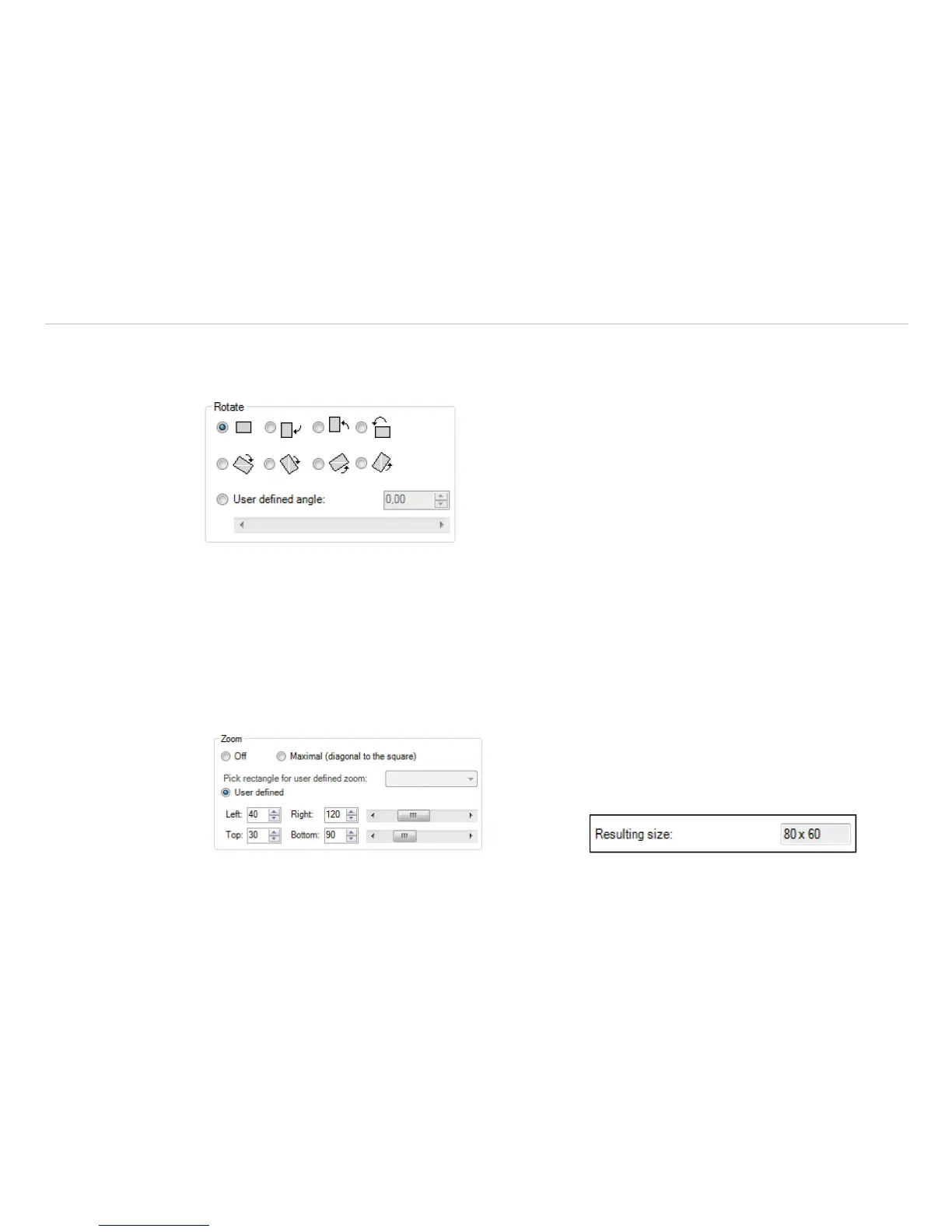
By tagging an icon it is possible to Rotate the thermal image into a different position. Alternatively, a manual
adjustment can be done by defining a User defined angle.
Fig. 29 View Rotate
4.2.11 Zooming in Areas of the Displayed Image
Using the Zoom option a detail of the image can be enlarged in the main window by the position information.
The option can be activated by tagging the Maximal(diagonal to the square) filed.
Furthermore you can use Pick rectangle for user defined zoom.
The corresponding measuring area can be selected. When User defined is selected, the coordinates
Left, Right, Top and Bottom can be entered manually. The Resulting size of IR image will be shown
below.
Fig. 30 View Zoom Fig. 31 View resulting size



 To Next Page