6.6 Image Subtraction
Once you have activated the feature by using Image subtraction in the Devices menu
or via the Icon on the toolbar, an image is saved in the background and a temperature differ-
ence is calculated and displayed for all the following images.
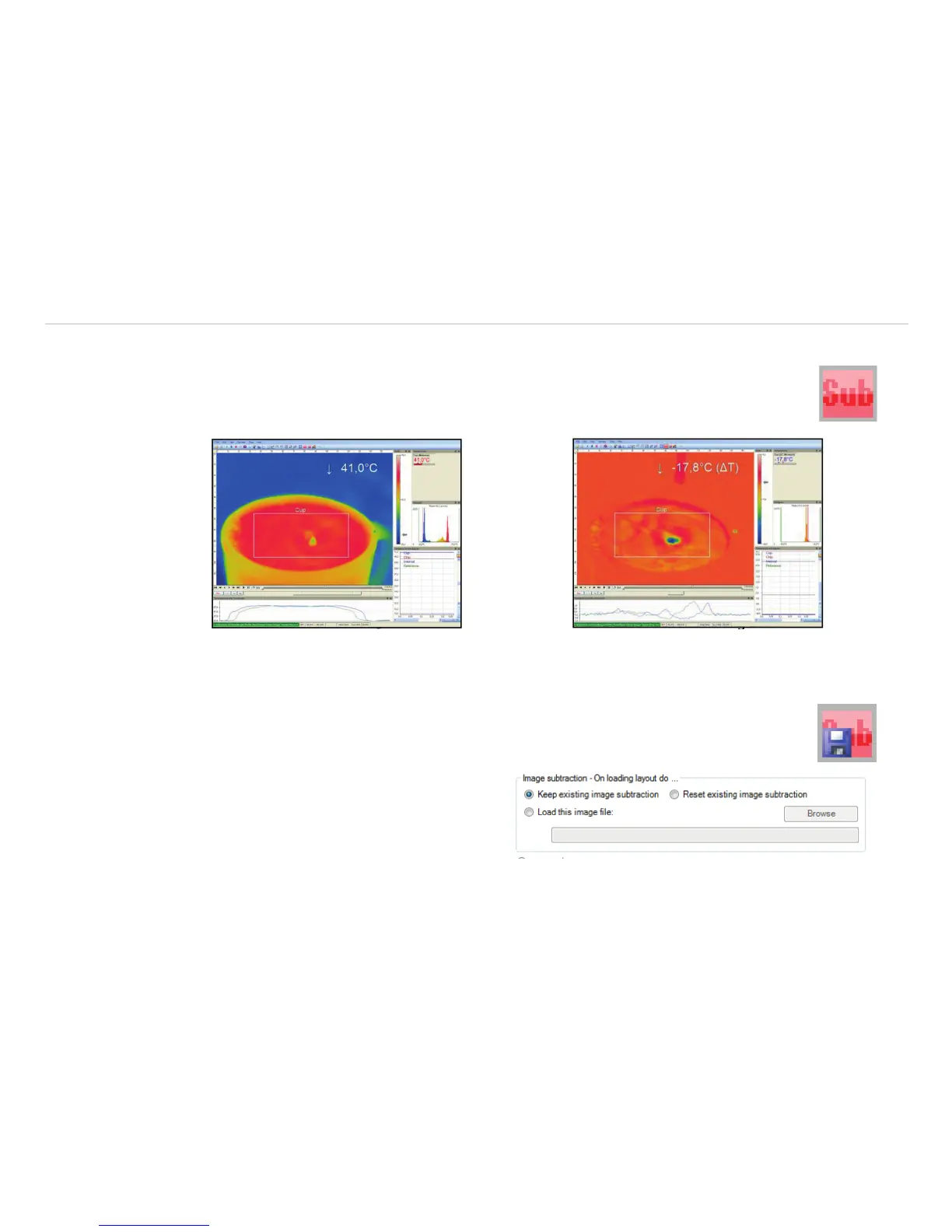
Fig. 85 Image subtraction is not activated. The cur-
rent averaged temperature of the measure area is
displayed in the right top corner.
Fig. 86 After activating the image subtraction func-
tion the current temperature difference compared to
the previous image is displayed.
Alternatively, you can load a previously saved radiometric image (.jpg or .tiff) using Image
subtraction from file in the Devices menu or via the Icon on the toolbar in order to
use it as a template for the image subtraction.
Under Menu Tools, Configuration and
Extended measuring you can choose by
Image subtraction – On loading layout do
between Keep existing image subtraction,
Reset existing image subtraction and Load
this image file.



 To Next Page