5.6.8 Display of Snapshots in a Separate Window
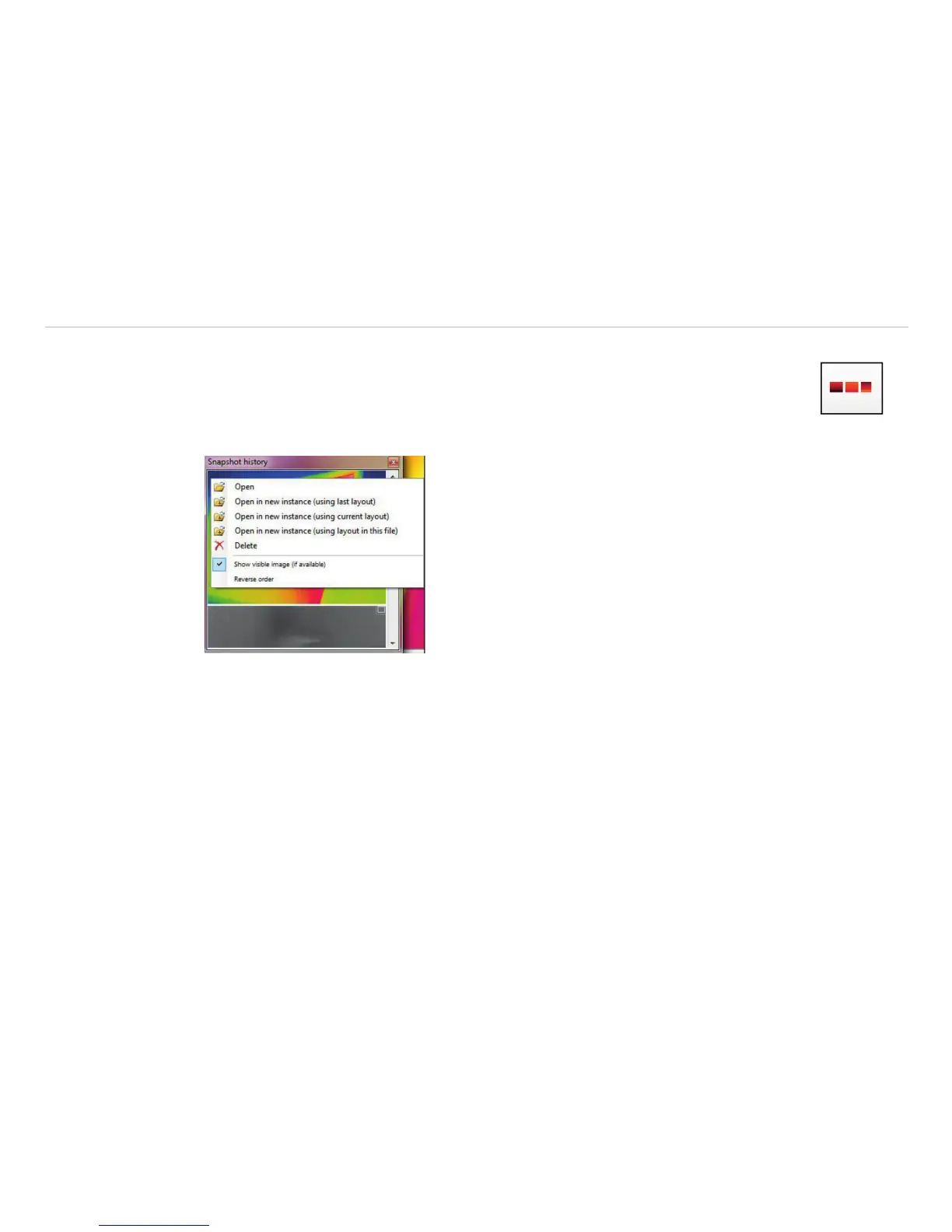
In the menu View, Windows and Snapshot history you can activate a window in order to
display all triggered snapshots, see Chap. 4.2.1. Before you have to choose the option Gen-
erate filename by template in the menu Tools, Configuration and Trig. Recording /
Snapshots, see Chap. 5.6.5.
If a shot snapshot is to be opened from the snapshot history, there are several options:
- Open: Opens the snapshot in the same instance, see Chap. 5.1.
- Open in new instance (using last layout): Layout that was last opened in the viewer in-
stance.
- Open in new instance (using current layout): Layout that is currently open in the current
instance.
- Open in new instance (using layout in this file): Layout that is contained in the file that
is to be opened
- Delete: Snapshot is deleted.



 To Next Page