4.6 Start Options
4.6.1 Overview of Start Options
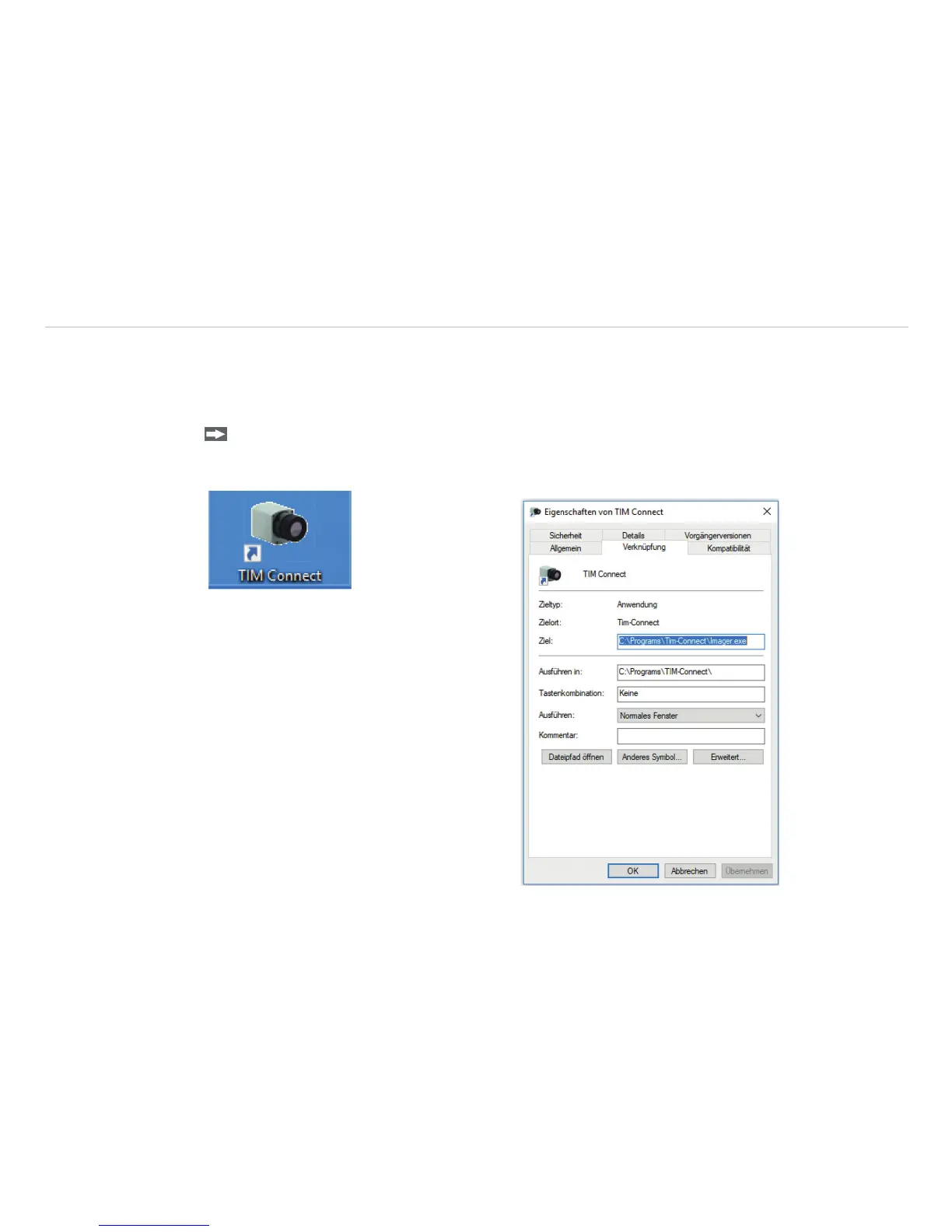
TIM Connect software can be started with additional starting parameters using the command line, see Fig.
45.
Please change the linkage in the software settings via the launch icon on the desktop. Behind the
command line please add a space character and the required command parameter, e.g. “C:\Pro-
gram\...\TIM Connect\Imager.exe” /?
Fig. 45 Program icon TIM Connect Fig. 46 View TIM Connect Properties



 To Next Page