4.3.8 Video Formats (Device Framerate)
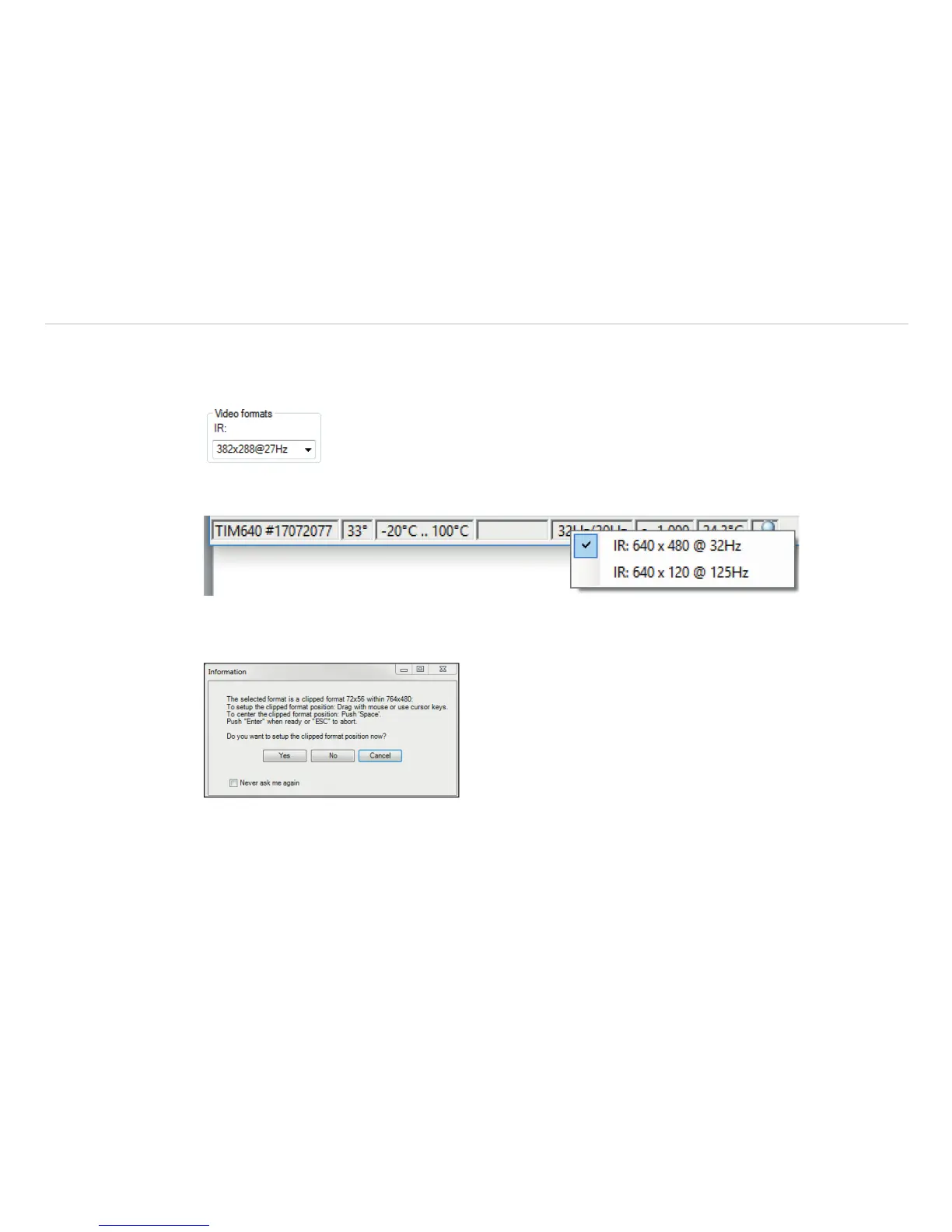
The cameras have different framerates. To change this, go to Tools, Configuration and Device in the
menu.
Alternatively, the device framerate can also be changed via the status bar in the TIM Connect software win-
dow. To do this, click on the device framerate with the right mouse button.
With the camera TIM M-1/ M-05, the user has the possibility to choose the 1 kHz mode. If this is selected, a
window appears with the information that the clipped format will be changed and the position of the section
itself can be set.



 To Next Page