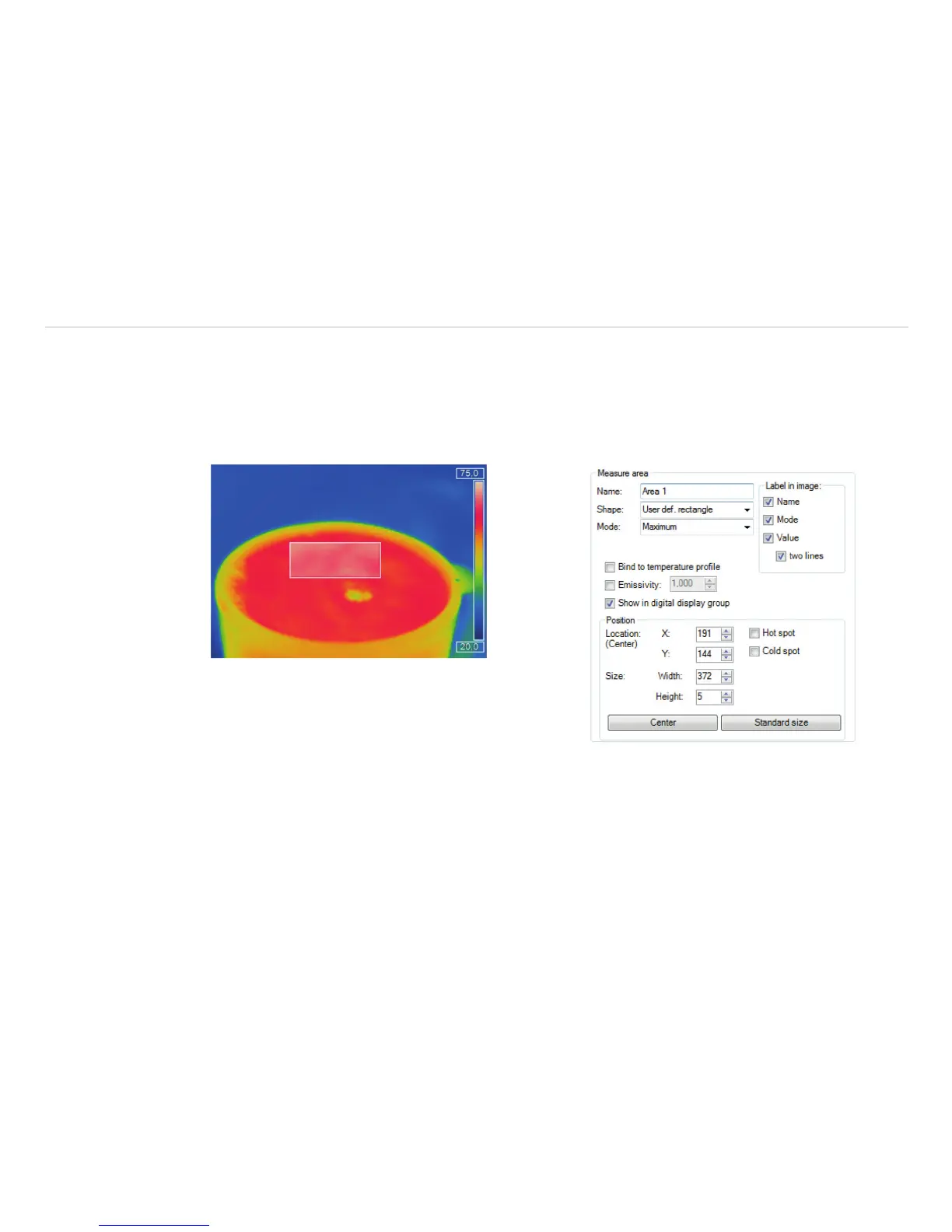
6.1.4 Individual Emissivity Values of Measure Areas
In case of measuring several materials different emissivity values can be set within the image.
Using the menu Tools, Configuration, Measure areas and Emissivity the individual emissivity
values can be defined.
The display of the changing temperature values within the measure areas will remain linked to the colors of
the reference bar.
Fig. 73 Example of measure area Fig. 74 View measure area



 To Next Page