3.5.2 Toolbar (Icons)
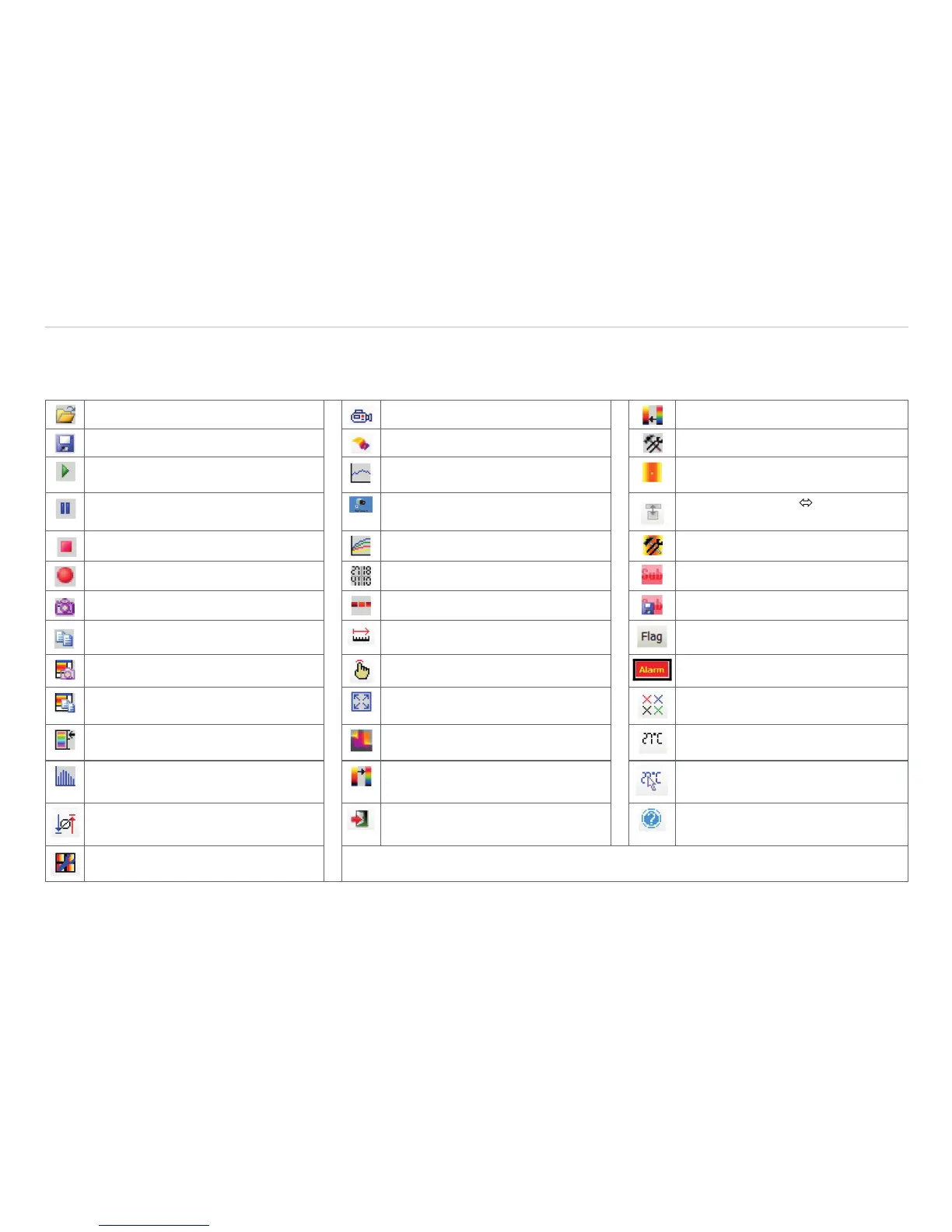
The most important features of the software can be activated directly via the toolbar. You can redesign the toolbar according to your
preferences, see Chap. 4.2.2. Available toolbar icons are the following:
Open Visible video Previous palette
Save 3D Chart Configuration
Play Temperature profile
(horizontal)
Enable linescanning
Pause Temperature profile
(vertical)
Linescanner view
Sighting view
Stop Temperature time diagram Linescanner configuration
Record Digital display group Image subtraction
Save snapshot to file Snapshot history Image subtraction from file
Copy snapshot to clipboard Distance Refresh Flag
Save screenshot to file Toggle user mode Acknowledge Alarm
Screenshot to clipboard Full screen Close all tools
Reference bar IR/Visible Fusion Digital display
(main measure area)
Histogram Next palette Digital display
(mouse cursor)
Toggle Minimum, Mean Value,
Maximum
Exit Info
Config merged device Fig. 6 Tool bar



 To Next Page