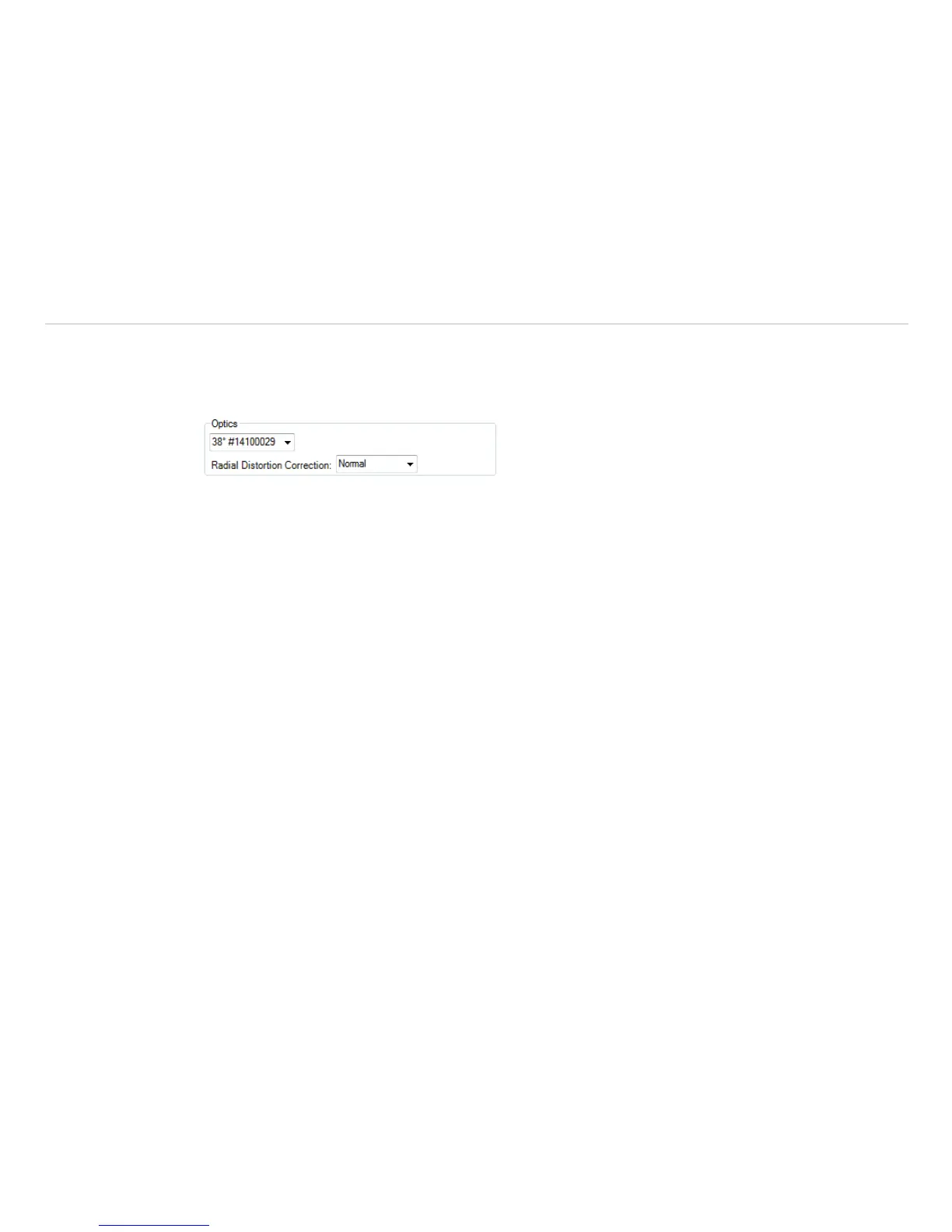
4.3.6 Changing the Optics (not with TIM 8 TIM 40)
Using the menu Tools, Configuration and Device the Optics depending on the camera configura-
tion must be chosen. As a standard the camera can be delivered with different type of lenses. If the camera is
ordered with several additional lenses the currently used optics must be chosen in this menu.
Fig. 37 View Optics
With the help of the menu point Radial Distortion Correction, the camera image can be corrected
in such a way that the image distortion is compensated by the optics (barrel distortion). It can be selected
between Off, Normal and Wide.



 To Next Page