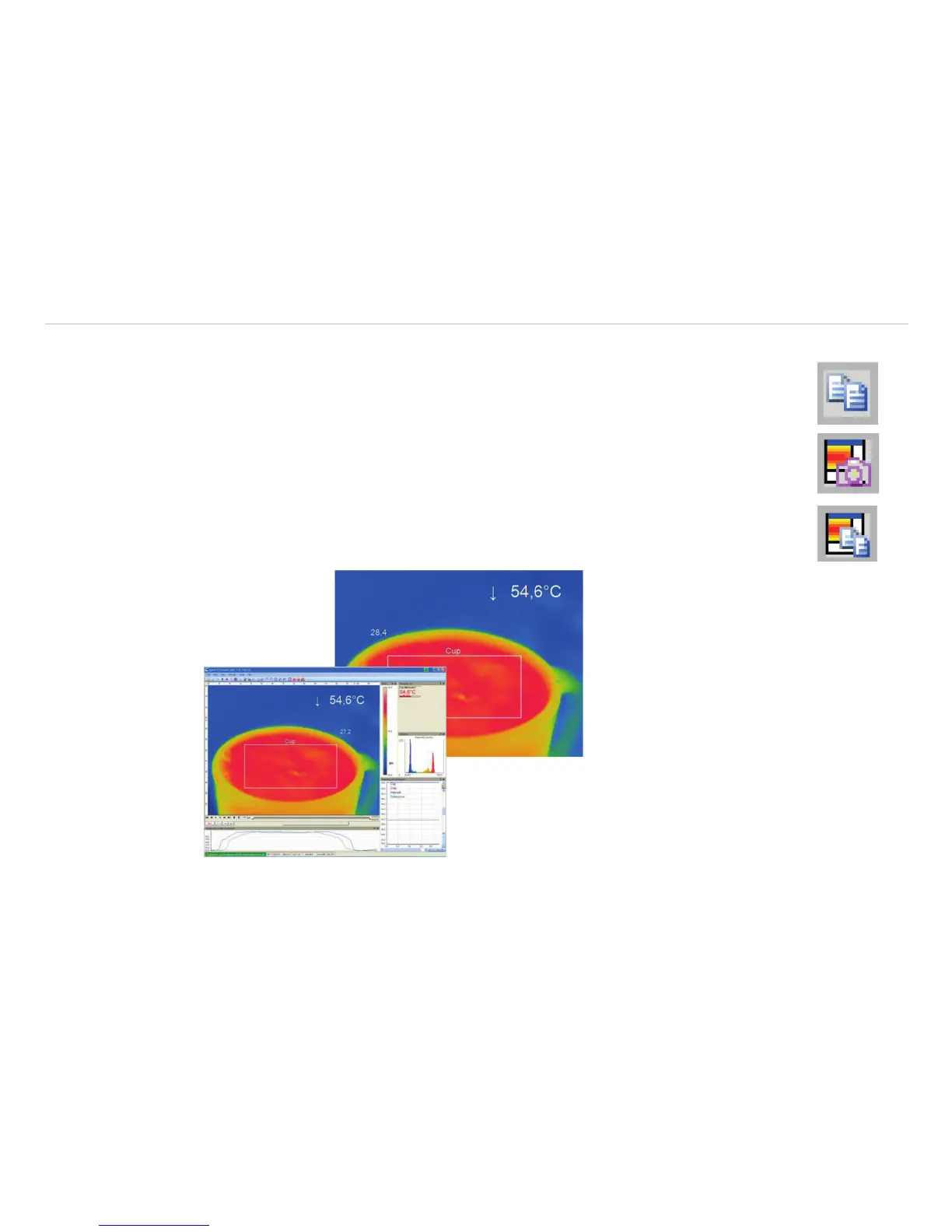
5.6.9 Saving Images or Screenshots to Clipboard
Using the File, Snapshot and Copy to clipboard menu or the Icon on the toolbar the
image of the main window can be copied to the clipboard in order to paste it into different
programs such as MS Word.
Alternatively, you can also copy the whole software window (screenshot) to the clipboard us-
ing the File, Screenshot and Copy to clipboard menu.
i
The whole software window can also be saved using the File, Screenshot and Save
menu or the Icon on the toolbar.
Fig. 65 View Saving Images or Screenshots to Clipboard



 To Next Page