5.6 Saving Files
5.6.1 Setting the Recording Frame Rate
The camera’s maximum frame rate depends on the camera model you’re using and can be reduced. Using
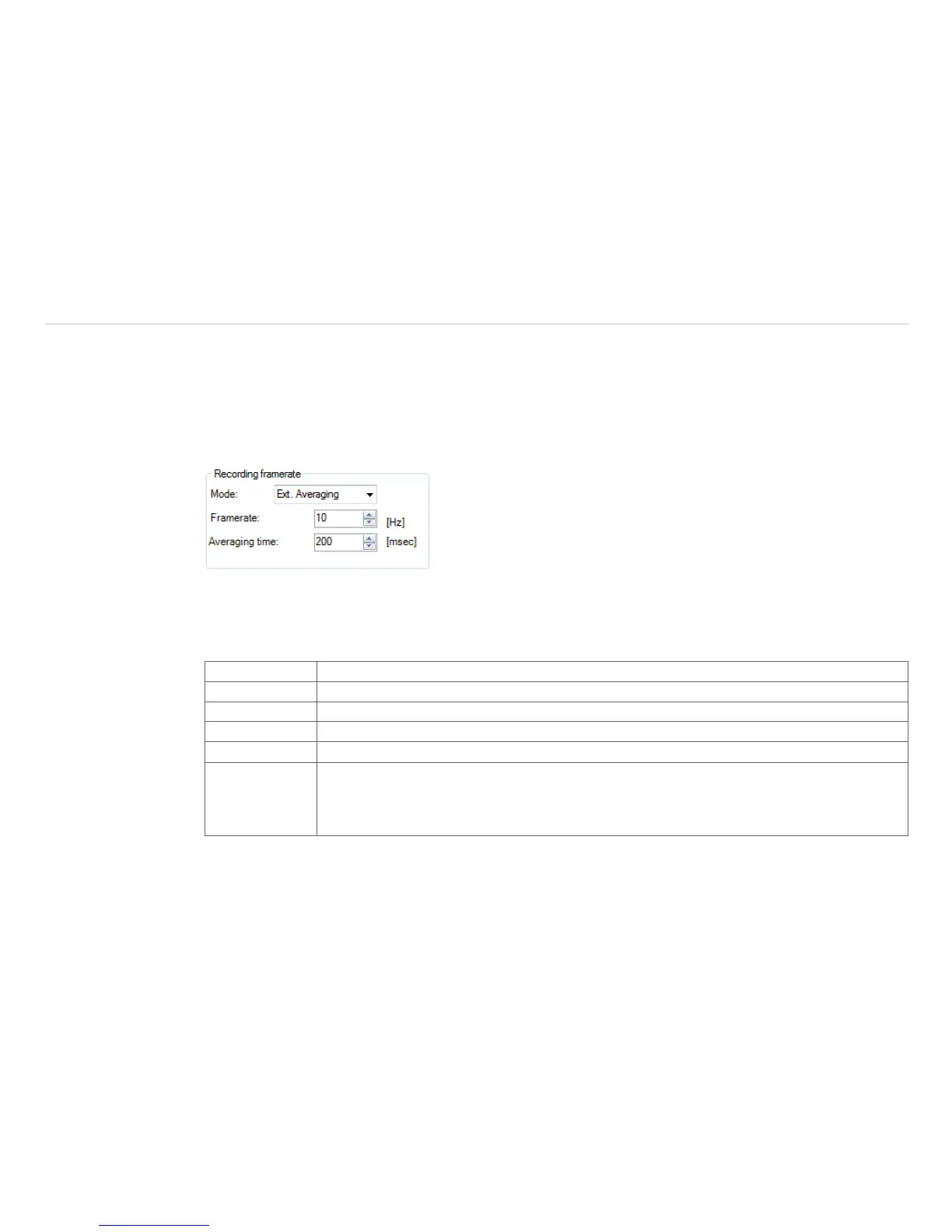
Tools, Configuration, Recording and Recording framerate , see Fig. 53, the speed of the data
capturing can be set.
Typically, the specification is in Hertz (Hz, images per second).
Fig. 53 View Recording framerate
The software gets the full frame rate from camera. That is why you need to define what to do with the images
which are left if choosing a reduced frame rate. There are several alternatives to set in the Mode option, see
Fig. 54:
Off The recording frame rate corresponds to the device frame rate of the camera.
Skipping It skips so many pictures that the set display frame rate results.
Average The pixels are averaged out of a sequence of images. This weakens the detector noise.
Minimum From a sequence of image, the smallest value is displayed for each pixel.
Maximum From a sequence of image, the highest value is displayed for each pixel.
Ext. Averaging Is a combination of average and skipping and is used at very low frame rates. The avera-
ging time indicates how many percent of the set frame time should be averaged. In the
remaining time, the frames are skipped (e.g., if the frame rate is 1 Hz and the averaging
time is 100 ms, then 100 ms is averaged and 900 ms is skipped).
Fig. 54 Options under Recording framerate - Mode



 To Next Page