9.3.2 Triggered Display of Lines
Triggering signal can be used to control how the scanned lines will be arranged within the Line scanner view.
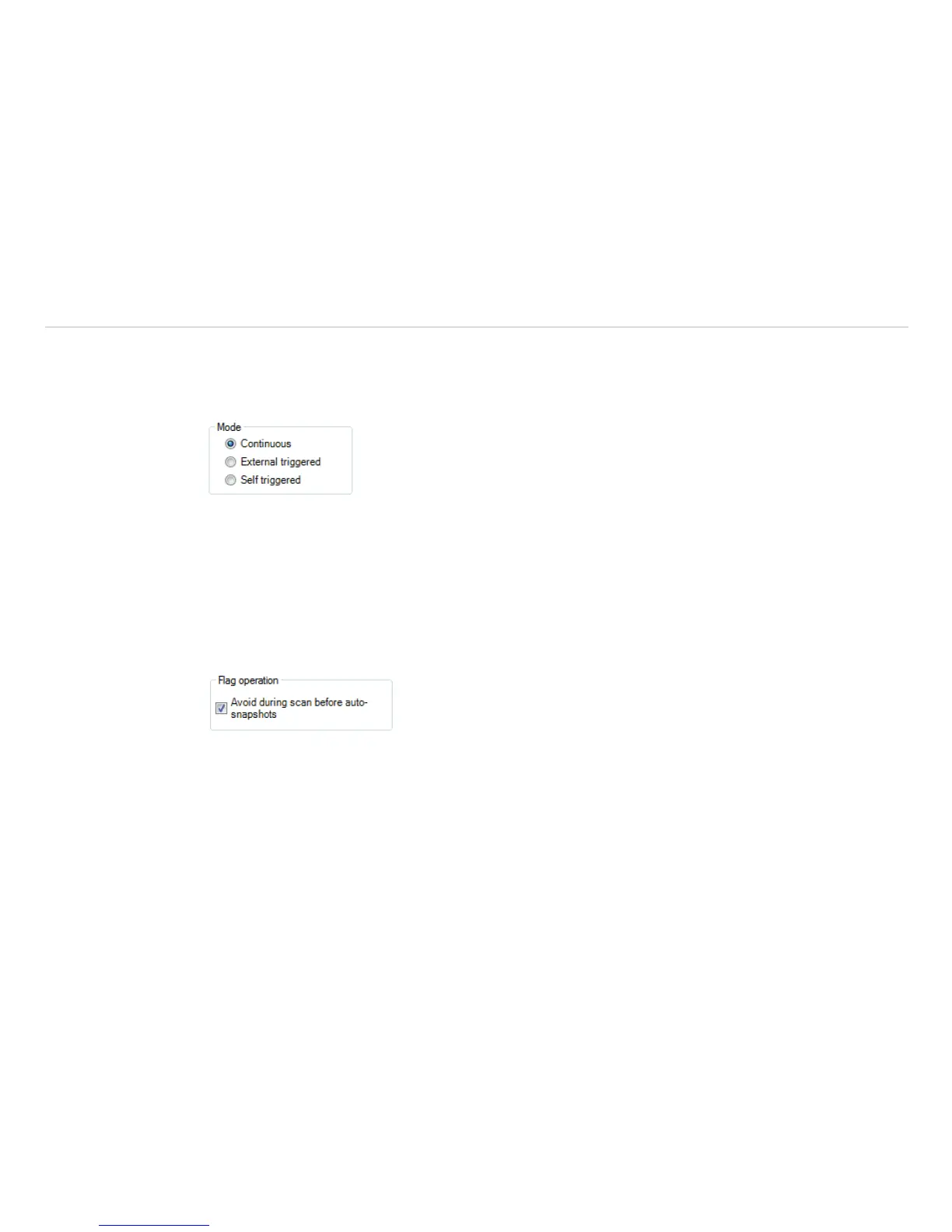
In the General menu under Line scanner configuration, see Chap. 9.3.1, there are two options
provided.
Continuous mode will apply predefined values to display the scanned lines. No triggering signal will be
used to control the line scanner presentation.
External triggered option enables using an external triggering signal to control arranging of the
scanned lines. Number of lines being reloaded after this signal is defined under Lines and History [sec]
, see Chap. 9.3.1.
Further settings can be specified:
In Flag operation if you activate Avoid during scan before auto-snapshots refreshing of flag
will not be executed during the line scan, see Chap. 4.3.2.
Fig. 121 View Flag operation


 To Next Page