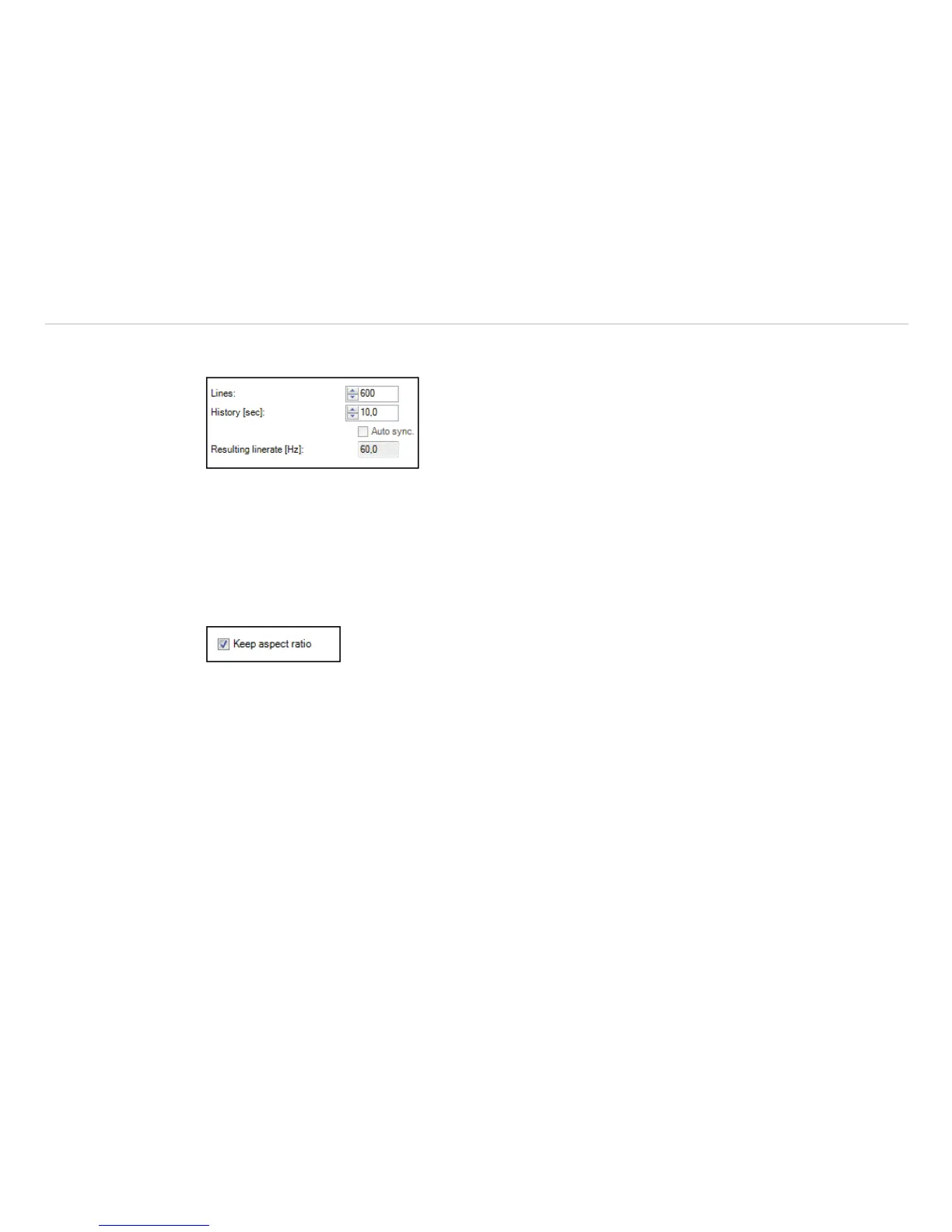
In Lines you can enter how many lines will be displayed in the Line scanner view. Number of lines will also
define after how many lines the infrared image will be reloaded (Line scan).
Fig. 119 View Lines
History [sec] input field determines the time frame the scanned lines should be displayed. Time frame
can be based on the duration of the process cycle observed. If you tick the Auto sync box the value will
be provided automatically using an external trigger input, see Chap. 9.3.2. In Resulting linerate (Hz) field
calculated frame rate of each line will appear automatically.
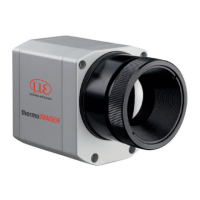
Keep aspect ratio option will adjust width of each line so that all lines will appear within the infrared im-
age.
Fig. 120 View Keep aspect ratio


 To Next Page