6. Data Processing
6.1 Measure Areas
6.1.1 General Settings
Measure areas for temperature analysis can be defined,
edited and deleted using the menu Tools, Configura-
tion and Measure areas.
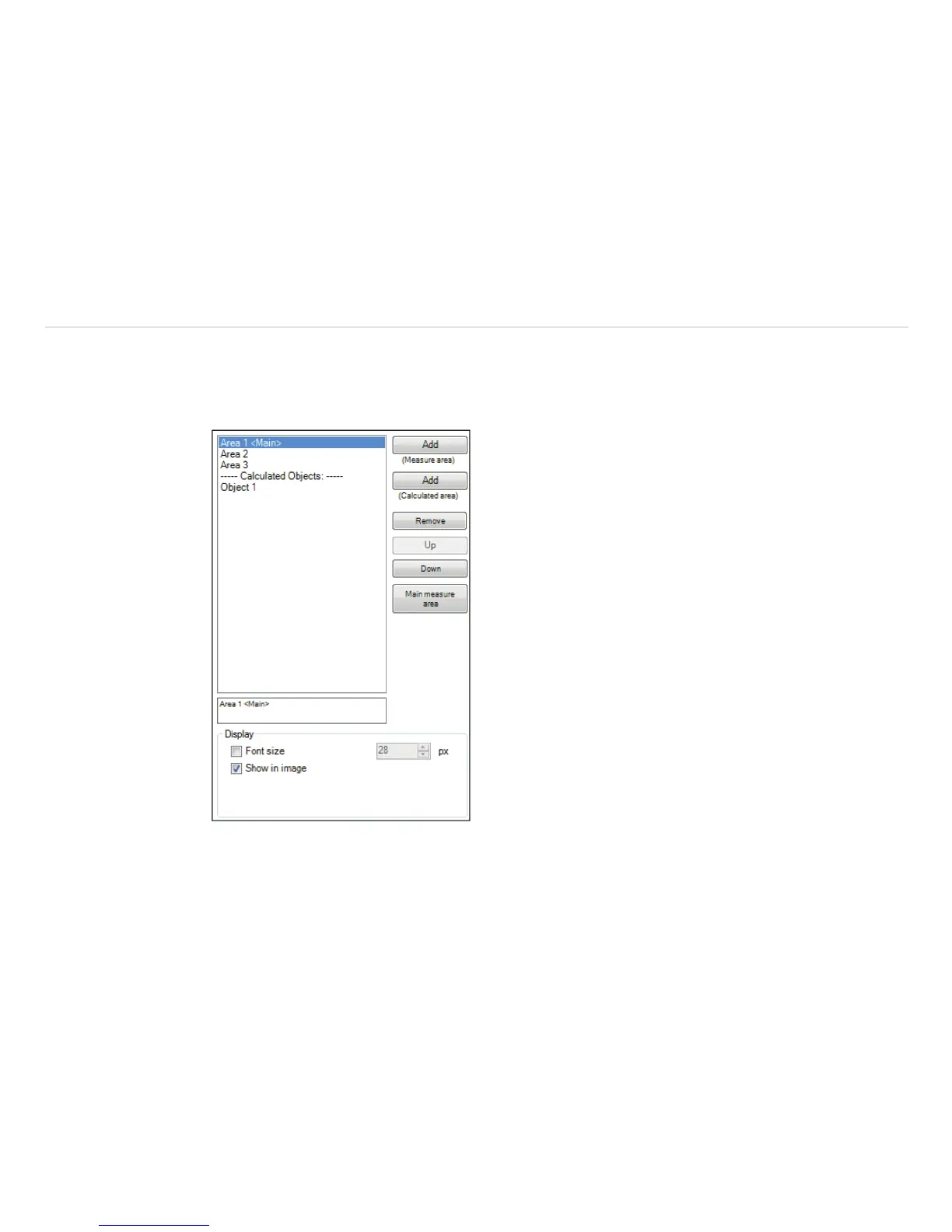
Using Add (Measure Area) / Add (Calculated
area) buttons you can create a new Measure area /
Calculated area. The Remove button deletes an existing
Measure area / Calculated area.
Press Up / Down to position individual measure areas
within the list.
One measure area from the list can be appointed as the
Main measure area. The temperature of the main area
can be displayed in the main window or converted into an
electrical signal to be transmitted via the Process Interface
(PIF)
Under Display the Font size can be changed for all
measuring areas. By selecting Show in image measure
areas can be displayed in the infrared image.
Fig. 66 View General Settings



 To Next Page