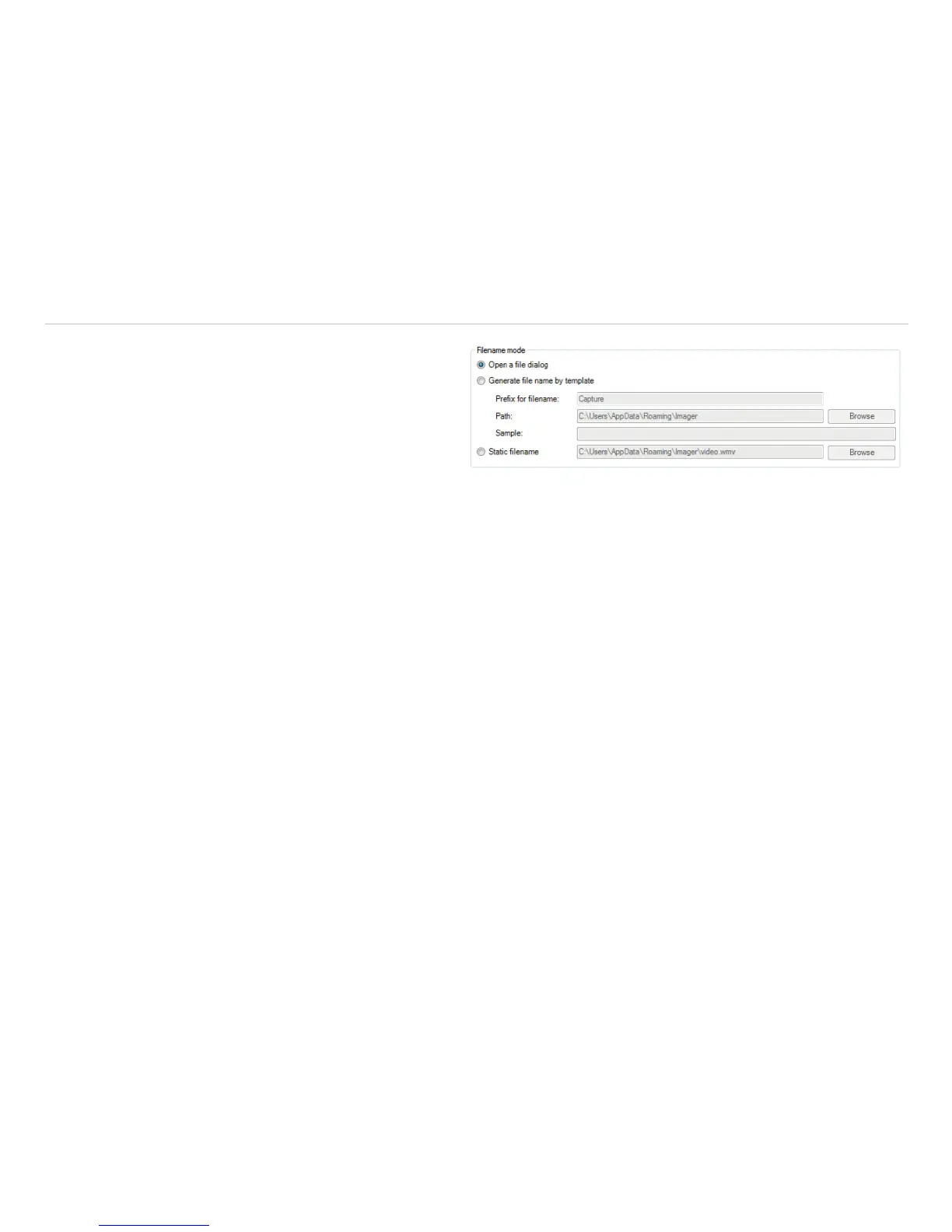
Under Filename mode, you can decide how and
where to save a recording. You can choose be-
tween the following options:
Open a file dialog: After recording, a dialog
window will pop up, prompting you to enter a loca-
tion and a save name.
Generate file name by template: Here you can enter a Prefix for filename, a Path and a Sample for the recording.
Static filename: Under the name and path entered here, the recording is automatically saved. The file is overwritten
with each new recording.
i
If during the recording the software window is made smaller or larger, the size remains from the start.



 To Next Page