3.5 Menu and Toolbar (Icons)
3.5.1 Menu
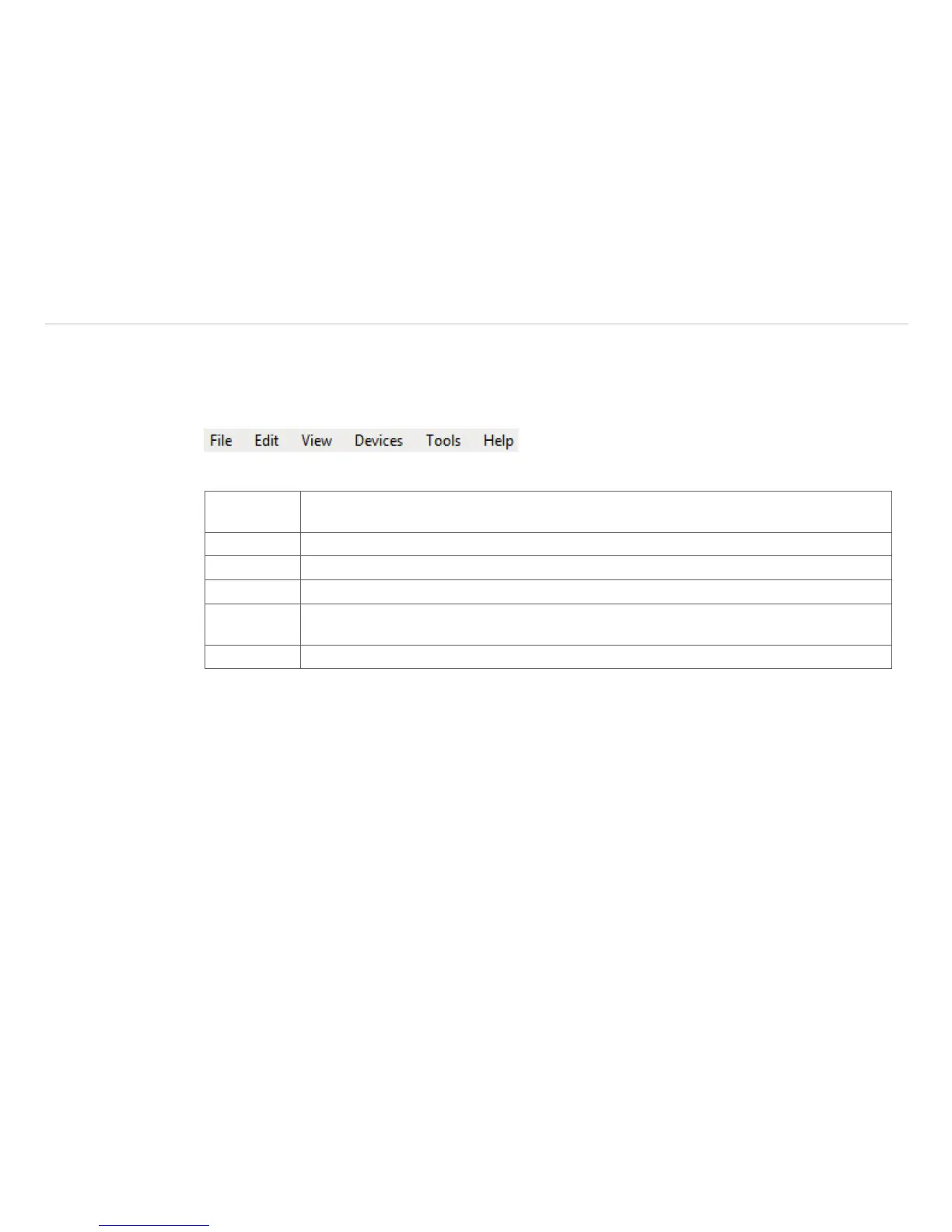
Using the menu you can adjust all software settings. Each feature will be explained in detail in the following
chapters of this manual:
Fig. 5 Menu bar
File Open, save and replay of files; recording; saving temp./time diagram data; snapshot;
screenshot; capture screen
Edit Editing of sequences and layouts
View Display or fade-out of different software features
Devices Choice of camera and self-referencing
Tools Additional settings of camera and software parameters as line scanner mode; layouts;
language; extended settings as merged device configuration and updating the firmware
Help Information about software; documentation; SDK; locking application


 To Next Page