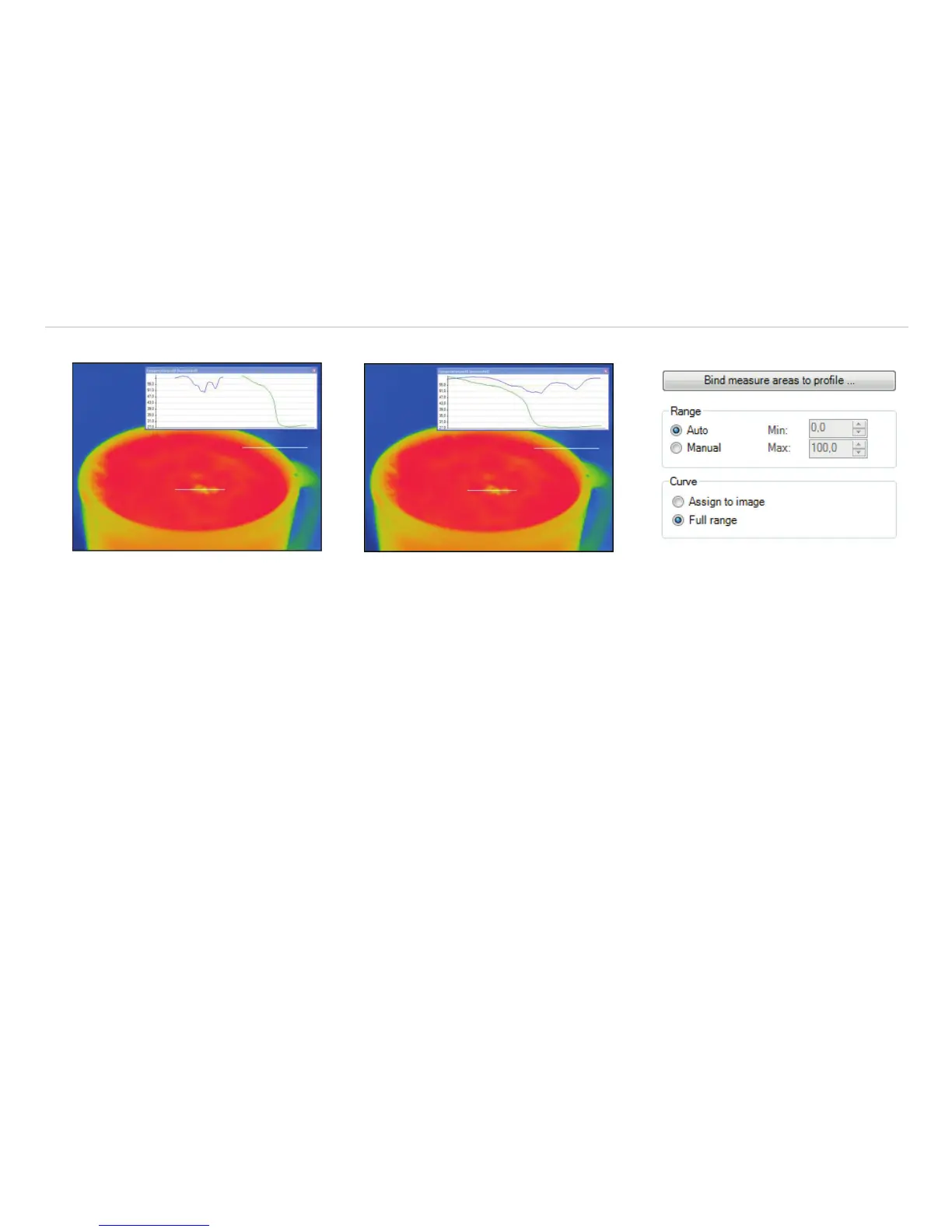
Using the option Full range the profile curve fills the whole profile diagram independent from the size of the profile.
The profile curve assigned to the image
(Display in separate window)
The profile curve assigned to the full
range of the diagram (Display in separate
window)
Fig. 76 View Bind measure areas to
profile
Use Bind measure areas to profile to assign various measure areas to a temperature profile. If the position of the profile is
changed all the measure areas will also be moved. The respective profile can be chosen via the option Assign measure areas
to.
Prefix for measure area name enables the individual labeling of measure areas. The measure area type can be defined
under the Mode options.
Number of measure areas to create as well as the Width [% of profile length] and Minimum height [pi-
xels] can also be specified.
Via the Measure mode you can determine the way of displaying the minimum, maximum or mean temperature in the digital dis-
play window, see Chap. 4.2.1.



 To Next Page