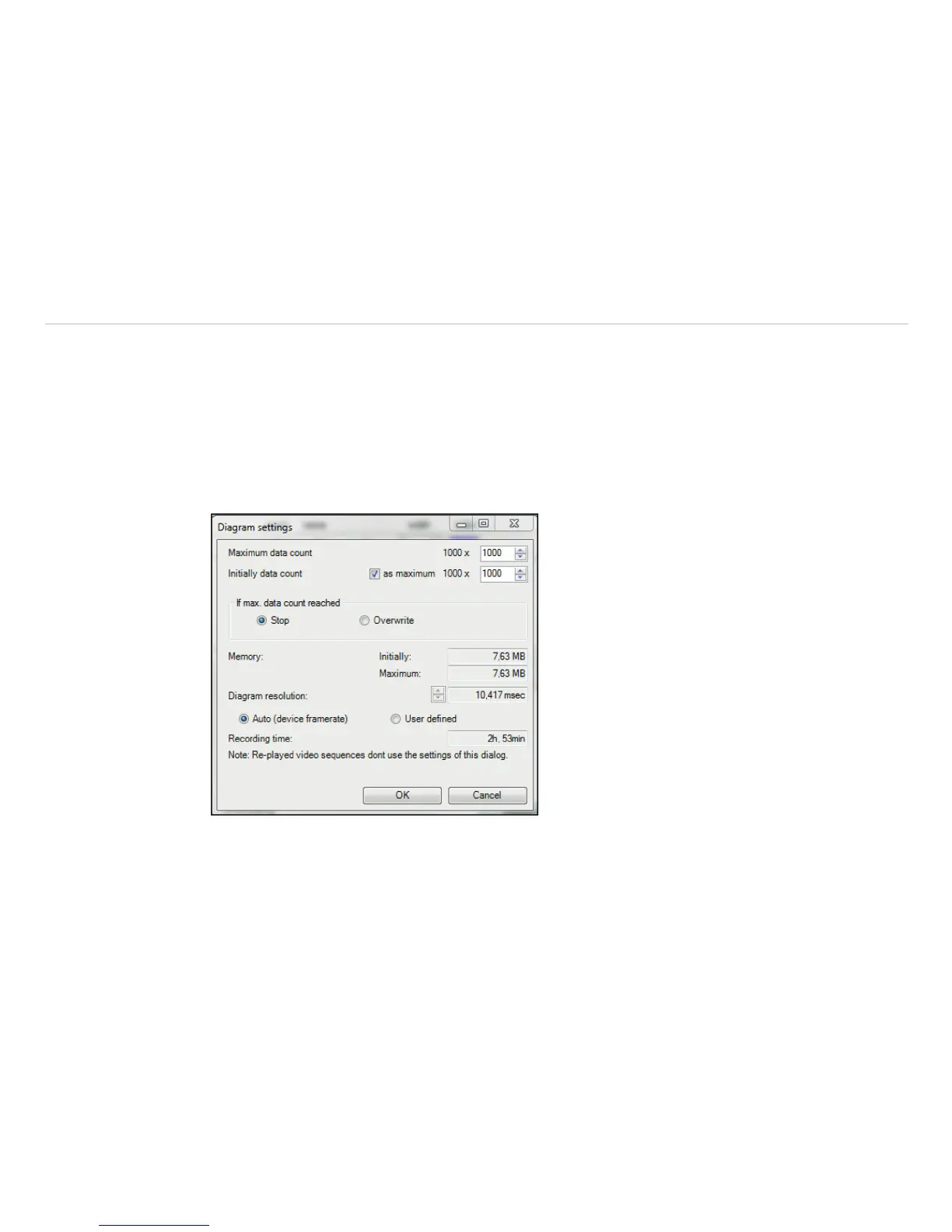
In the Diagram measuring settings you can define the maximum of data (Maximum data count)
which is displayed in the diagram. 1.000 x 1.000 results in 1.000.000 (one million) data values; the needed
Memory will be calculated automatically. For demonstration purposes with many measuring fields in the dia-
gram, you can make over the option Initially data count, an initial specification of the max. number of
data counts (computer memory is reserved). Using the option Auto (device framerate), the Recor-
ding time is calculated based on the frame rate of the camera, see Chap. 5.6.1.
Independent from the frame rate of the camera you can individually set the number of data. If you choose
the option. User defined you can put into the box Diagram resolution the rate of displayed data (time
interval). Via the arrows the interval can be increased or decreased.
Fig. 81 View Diagram Settings



 To Next Page