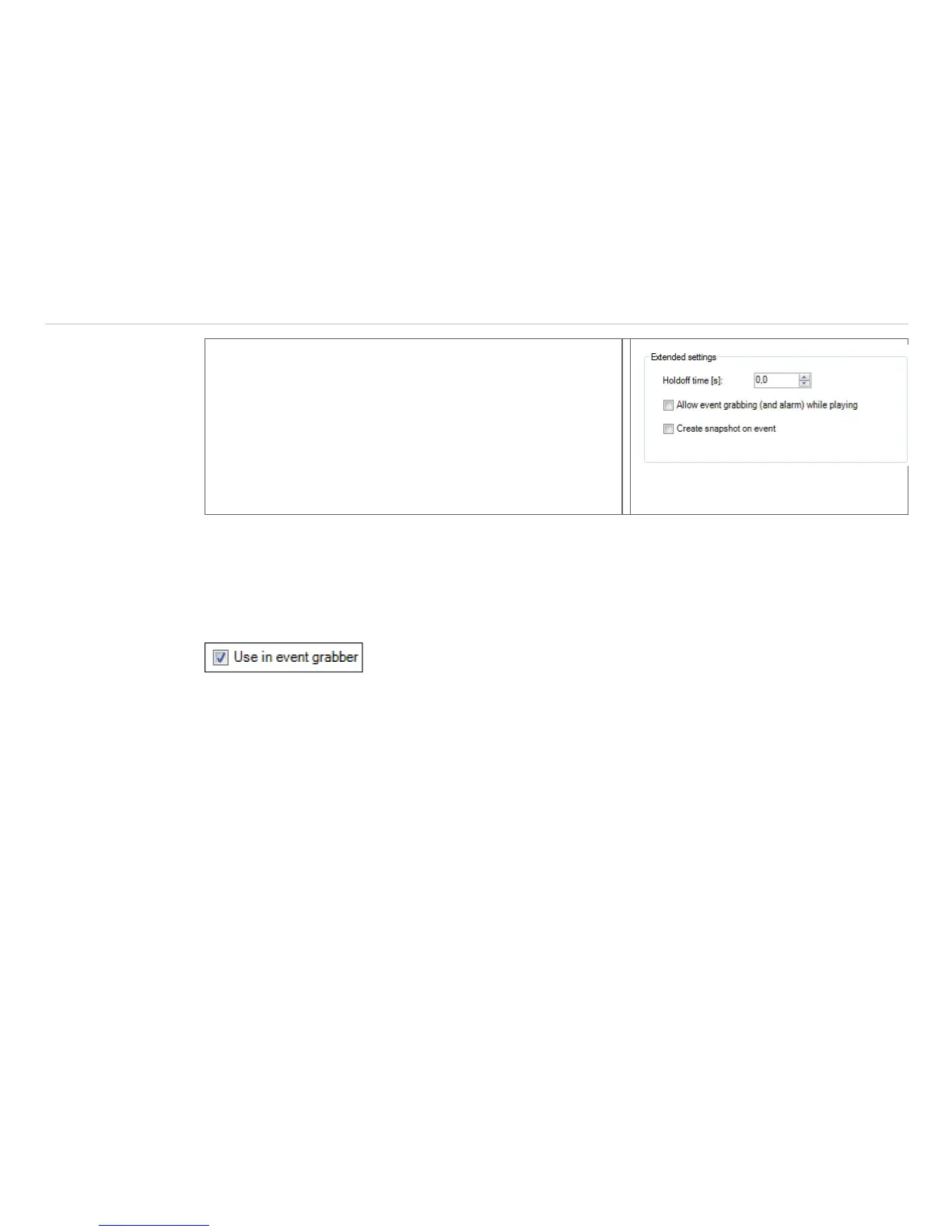
Under Extended settings, a Holdoff time can be en-
tered. A new alarm condition is not taken into account during
this set time.
If the checkmark is enabled by Allow event grabbing
(and alarm) while playing, the event grabber is consid-
ered when playing a Ravi.
Create snapshot on event will create a snapshot after
every event which will appear in the snapshot history and in
the event grabber (frozen image) window.
The triggered snapshot for the event grabber can be found under menu View, Windows and Event grab-
ber (frozen Image).
Measurement areas can be created and arranged in the live IR image as well as in the event grabber (frozen
image). If you want to add an measurement area in the event grabber (frozen image), this must be set under
the Configuration menu and Measure areas. Under Measure area, the check mark Use in event
grabber must be selected.
As a template for the event grabber, you can use the sample layout Event grabber.



 To Next Page