11. Commissioning
MiR600 User Guide (en) 08/2021 - v.1.0 ©Copyright 2021: Mobile Industrial Robots A/S. 171
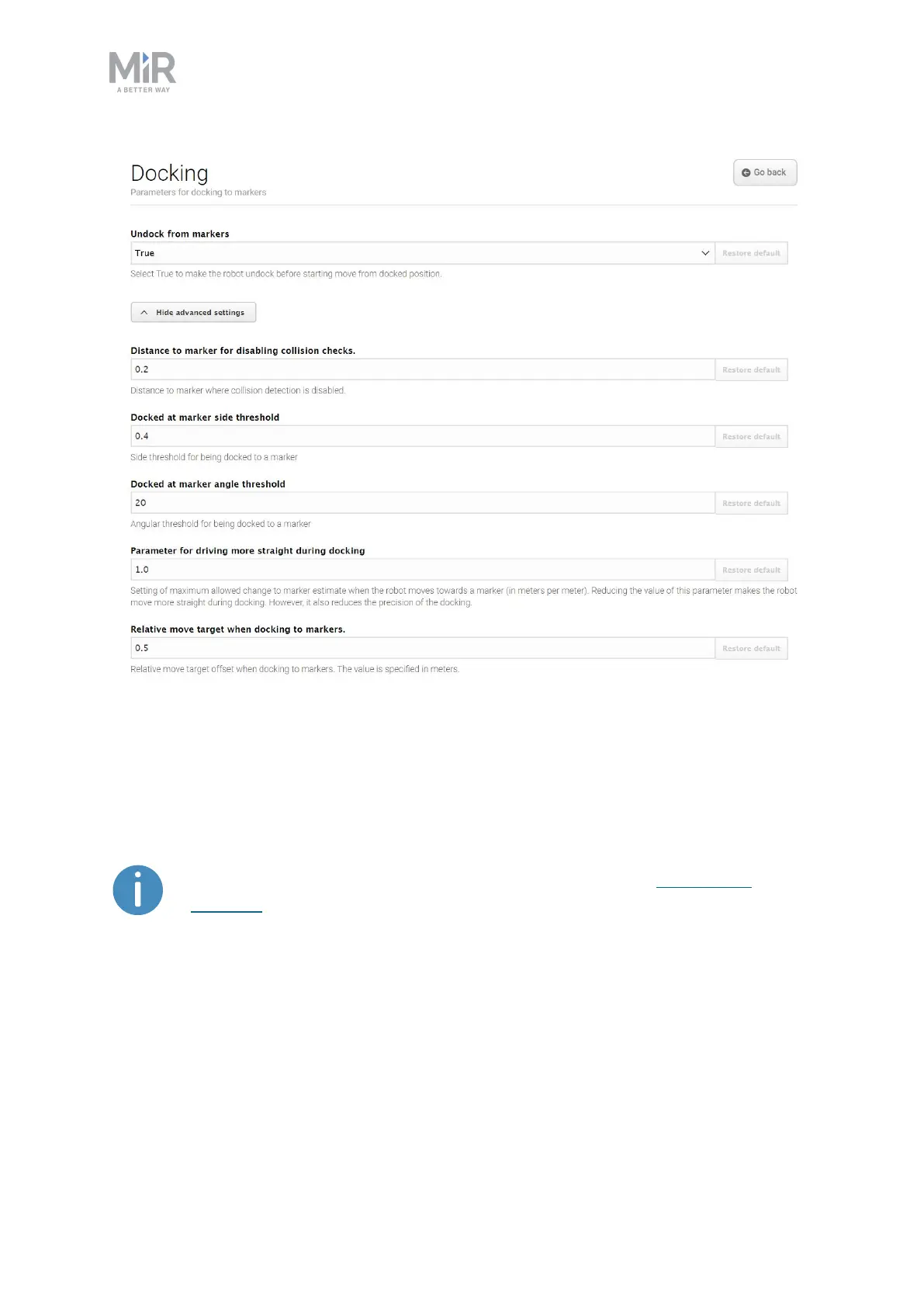
Figure 11.26. Change the parameters regarding docking to and from markers in the Docking section.
In Undock from markers, you can select if the robot should undock from a marker before it
starts moving from a docked position. It is usually best to set this setting to True to prevent
the robot from going into Protective stop when moving away from markers.
The robot cannot undock from L-markers automatically—see Markers on
page141.You must use a Relative move action.
In the advanced settings, you can adjust the parameters for docking to markers. This can be
useful in case of docking issues. To see the advanced docking settings, select Show
advanced settings.



 To Next Page