11. Commissioning
MiR600 User Guide (en) 08/2021 - v.1.0 ©Copyright 2021: Mobile Industrial Robots A/S. 172
Safety system
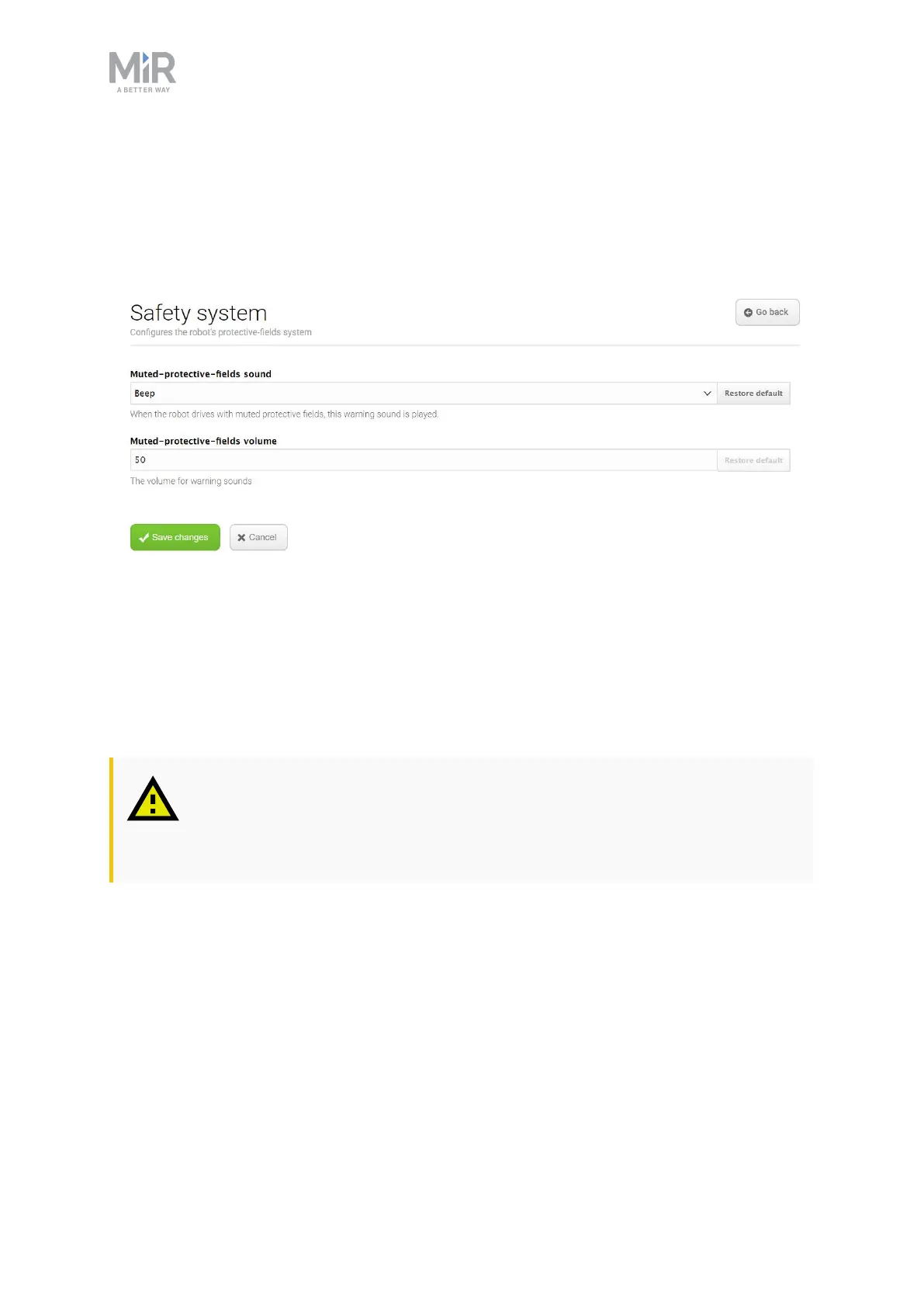
In the Safety system section, you can change which warning sound the robot should emit
when it mutes its Protective fields and how loud the sound should play.
Figure 11.27. In the Safety system section, you can change the robot's warning sound.
Select Muted protective fields sound to change the warning sound that is played when the
robot drives with muted Protective fields.
Select Muted protective fields volume to set the volume in decibel for the warning sound
that is played when the robot drives with muted Protective fields.
CAUTION
• Always have the robot play an audible warning sound when driving with
muted Protective fields.
Features
In the Features section, you can disable and enable robot features.



 To Next Page