10. Safety-related functions and interfaces
MiR600 User Guide (en) 08/2021 - v.1.0 ©Copyright 2021: Mobile Industrial Robots A/S. 98
Emergency stop
The robot enters Emergency stop when an Emergency stop button has been pressed
physically. When you press the Emergency stop button, internal safety contactors are
switched so the robot's top application and all moving parts of the robot do not receive
power. You can hear the safety contactors emit audible clicks when they are switched.
When the robot is in Emergency stop, the status lights of the robot turn red, and you are not
able to move the robot or send it on missions until you bring the robot out of the Emergency
stop. To do this, you must release the Emergency stop button and then press the Resume
button.The Resume button begins flashing blue after you have released the Emergency stop
button. If the robot is in Emergency stop, it will immediately resume an operating state after
you press the flashing Resume button.
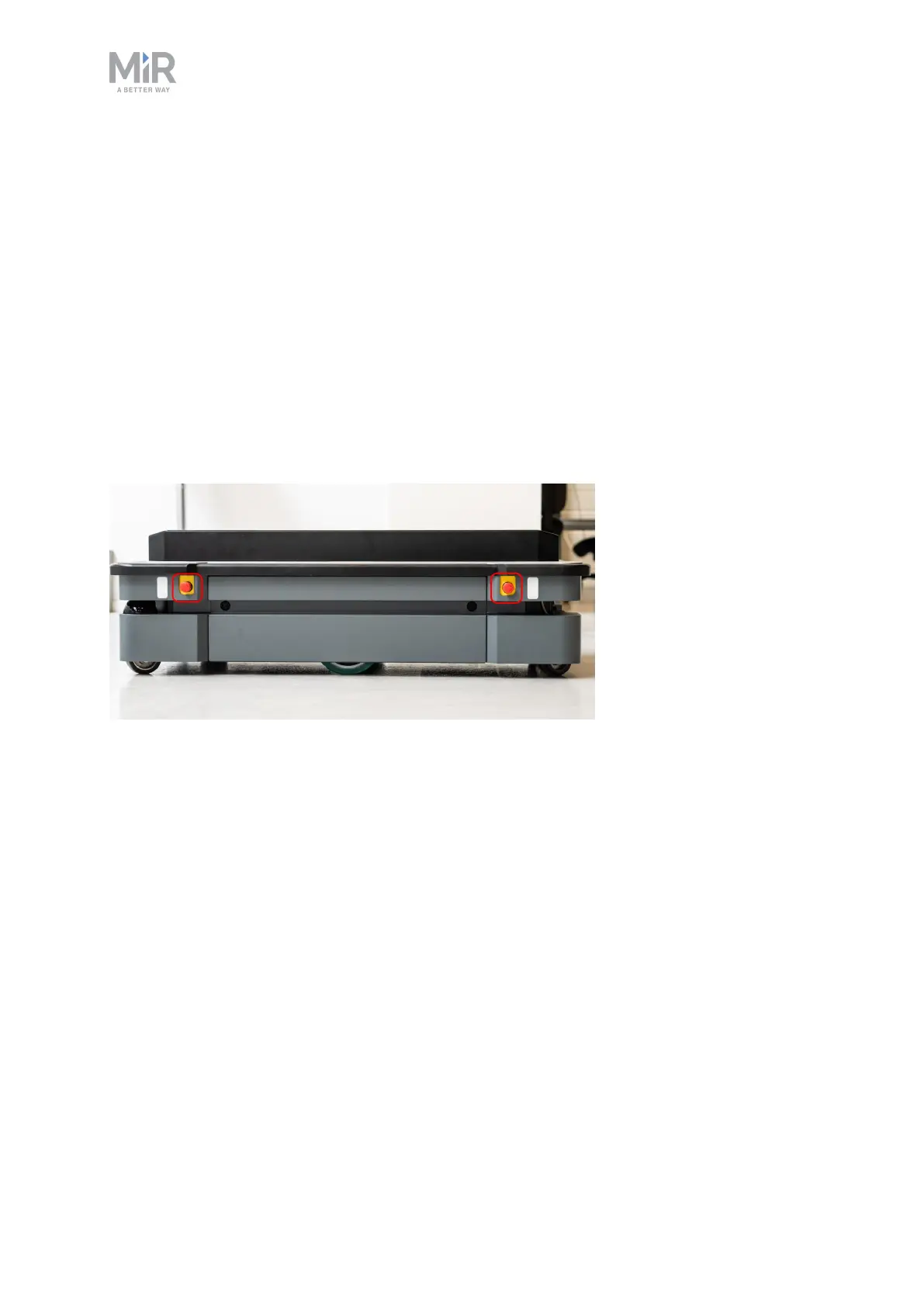
Figure 10.1. MiR600 has four Emergency stop buttons and the option to connect additional Emergency stop
buttons through the electrical interface.



 To Next Page