2. Product presentation
MiR250 Hook Integrator Manual (en) 12/2023 - v.3.0 ©Copyright 2021–2023: Mobile Industrial Robots A/S. 26
Driving with a cart
Once a cart is attached to MiR250 Hook, the robot does not reverse when driving to another
position. As a result, its dynamic obstacle avoidance capabilities are somewhat restricted
compared to when a cart is not attached. The system operator needs to keep this in mind when
choosing where to run the robot.
Placing carts
The robot can place carts at Cart positions by either driving forward over the Cart position and
placing the cart in the center of the position or by reversing into the Cart position.
Forward
If the robot can drive in from behind a Cart position and drive away from the other side, it is often
faster for the robot to place the cart by driving forward. This is the default cart placement
method.
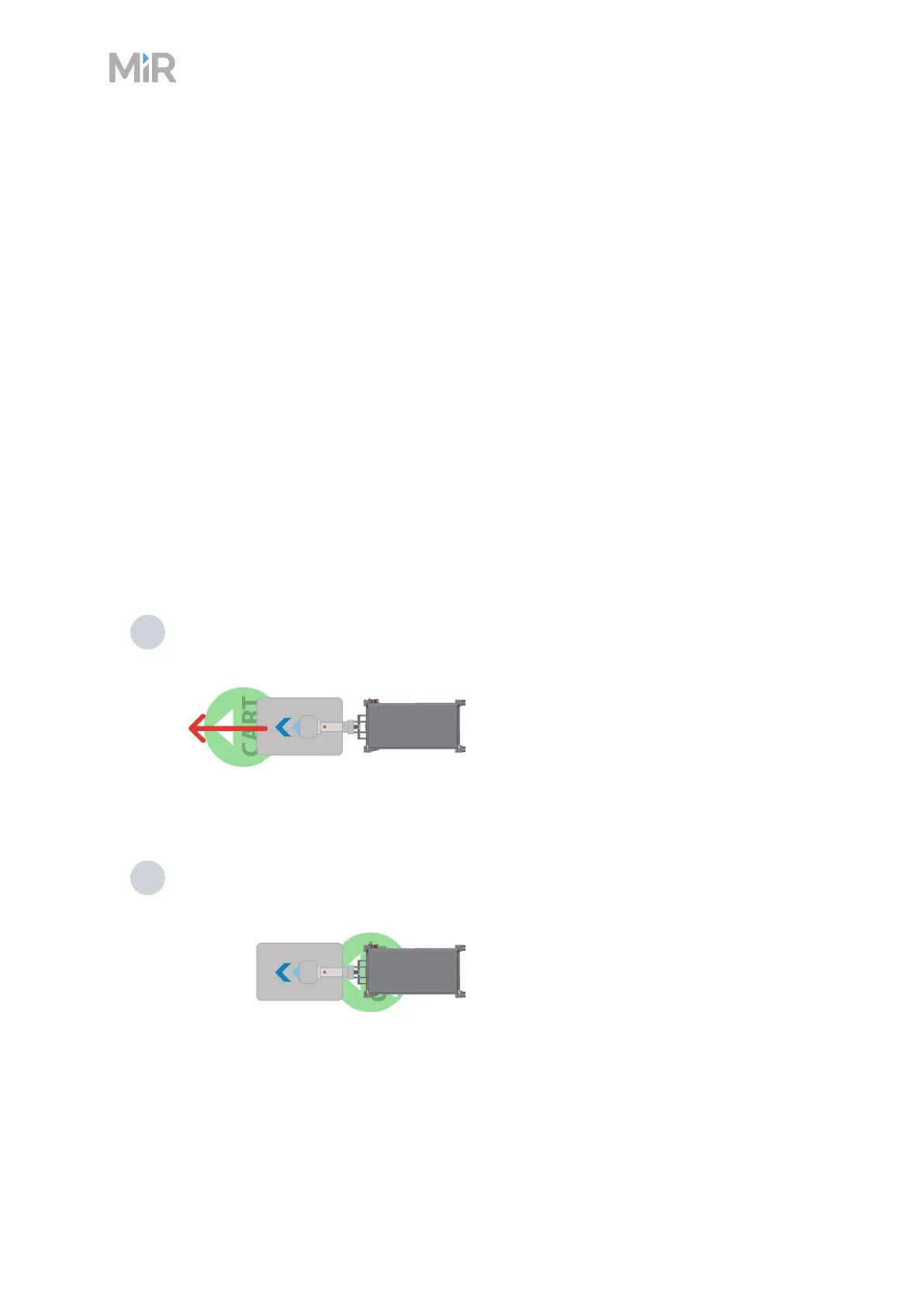
The following steps describe how the robot places a cart at a Cart position by default:
1 The robot checks for obstacles and then drives in from behind the Cart position.
2 The robot stops when the front of the cart is at the center of the cart position.



 To Next Page