7. Usage
MiR250 Hook Integrator Manual (en) 12/2023 - v.3.0 ©Copyright 2021–2023: Mobile Industrial Robots A/S. 90
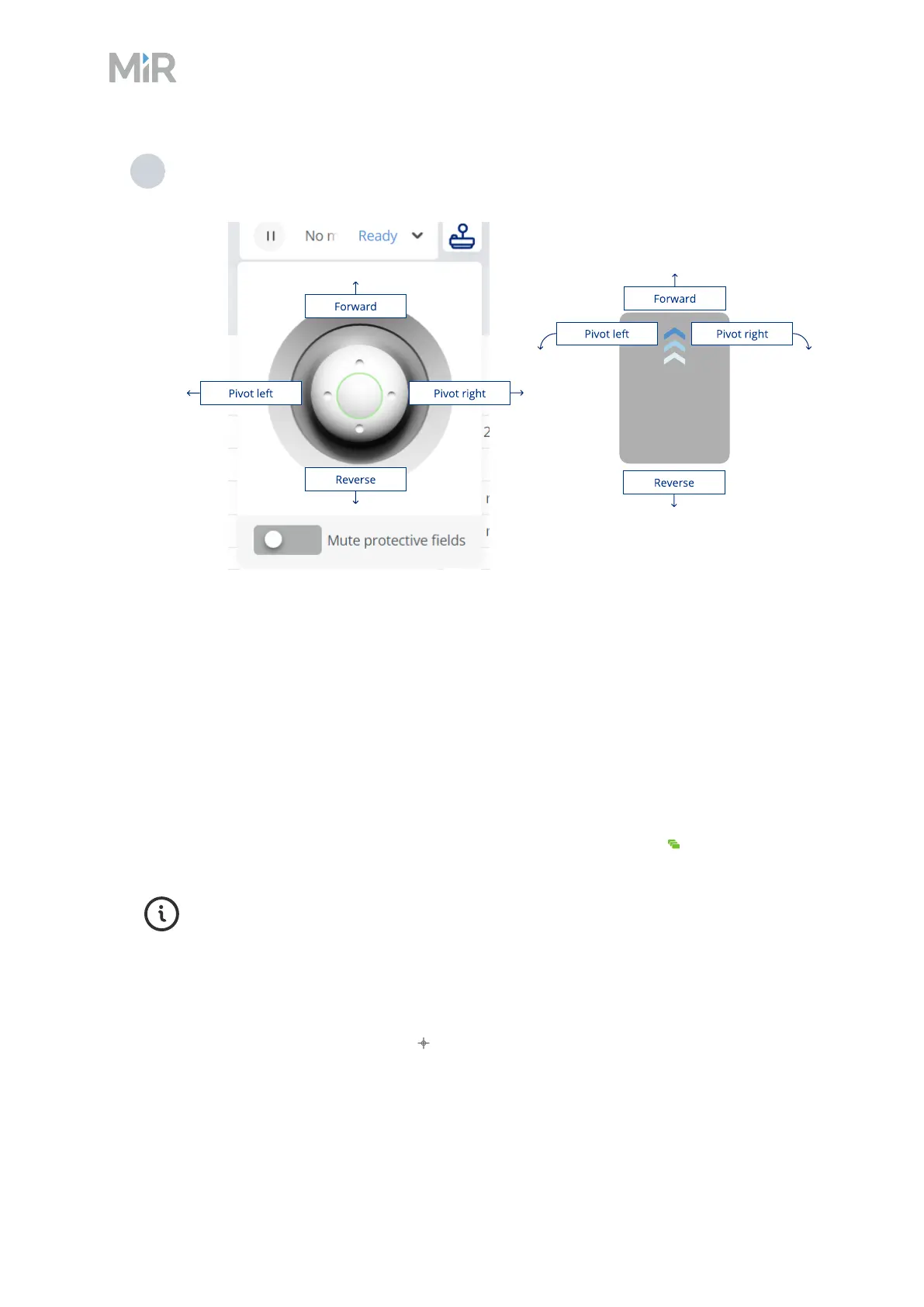
9 Use the joystick to move the robot. The robot will go back into emergency stop after a
short time of inactivity.
Autonomous mode
In this mode, the robot executes the programmed missions. After switching the key to this mode,
you can remove the key, and the robot will continue driving autonomously. In Autonomous
mode, the joystick is disabled in the robot interface.
There are the following ways to make the robot drive autonomously in the robot interface:
l
Schedule a mission
To schedule a mission, go to Setup >Missions, and select Queue mission .
For more information about creating missions and to see mission examples, see
MiR Commissioning Guide and MiRRobot Interface Guide. You can find these guides
on MiR Support Portal.
l
Send the robot to a location on the active map
To send the robot to a selected location, open the active map, either in a dashboard or the map
editor, and select Send robot to target followed by the location and orientation you want
the robot to drive to.



 To Next Page