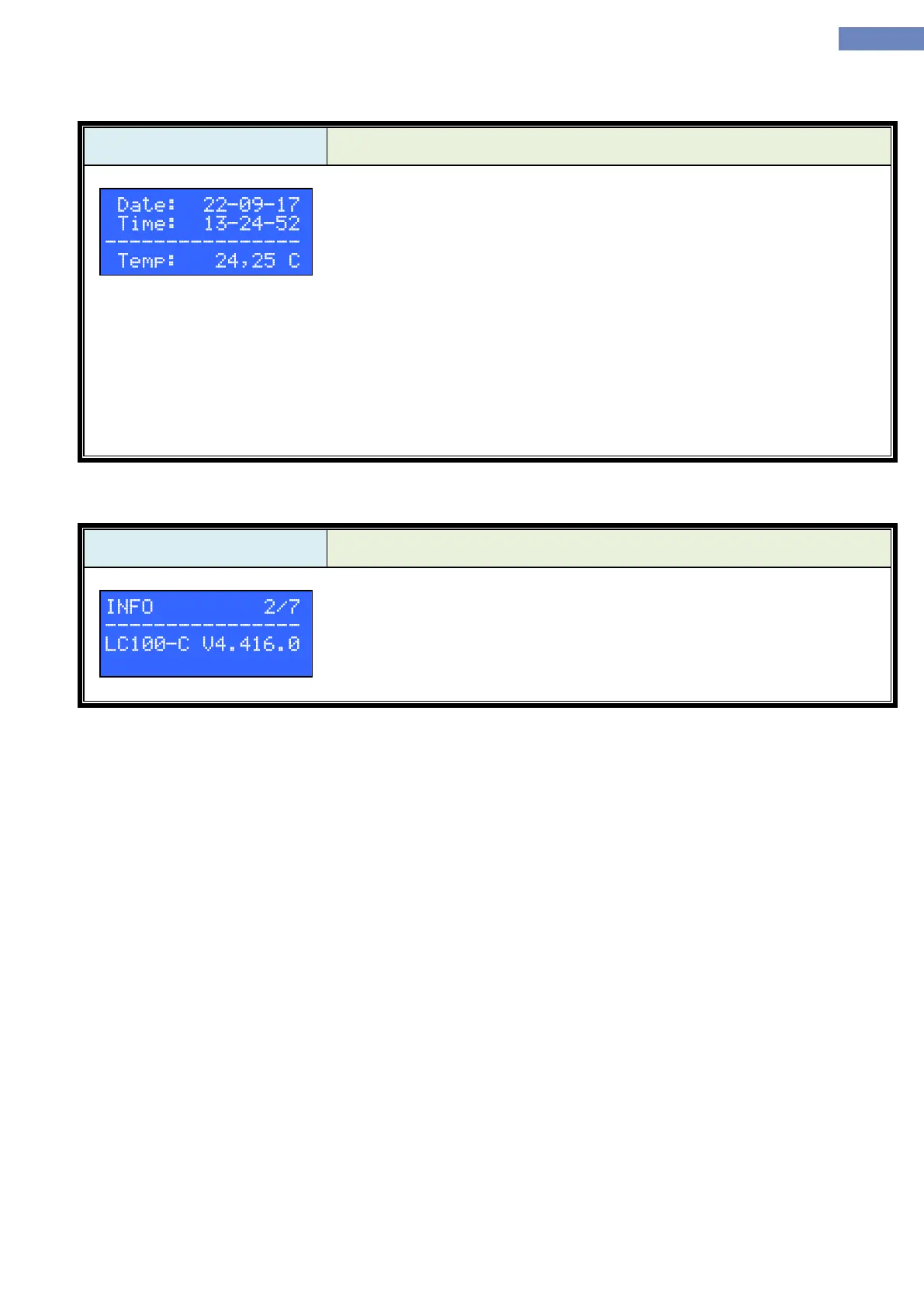
In the date/time menu the time is set, it is also possible to monitor the
processor temperature.
Date format is xx-yy-zz, where the:
xx is day
yy is month
zz is year
Clock format is aa-bb-cc, where the:
aa is hour
bb is minute
cc is second
After entering the menu setting is done by pressing the enter button. Changes are made with up, down, left or
right button.
Saving the changes is done by pressing the enter button.


 To Next Page