4. Parameters
Menu parameters is used for monitoring and setting parameters of the LC100 system. Viewing the parameters
is possible without password while to change the values of parameters password is needed.
Parameters are divided into 12 submenus:
1/12 General type A
2/12 Call processing type B
3/12 Main drive type C
4/12 Doors type D
5/12 Positioning type E
6/12 Stopping type F
7/12 Stop marking type G
8/12 Timers type H
9/12 Protections type I
10/12 Configurations type N
11/12 P-M-L moduls type P
12/12 Factory settings type T
After entering the „parameters“ menu ba pressing left or right button choosing the parameters submenu is made.
After choosing the submenu entering is done by pressing the „enter“ button. Overview of parameters is done by pressing
left or right button, choosing the parameter is done by pressing enter and changing the value by buttons up or down.
Confirming the change of the parameter is done by pressing enter button.
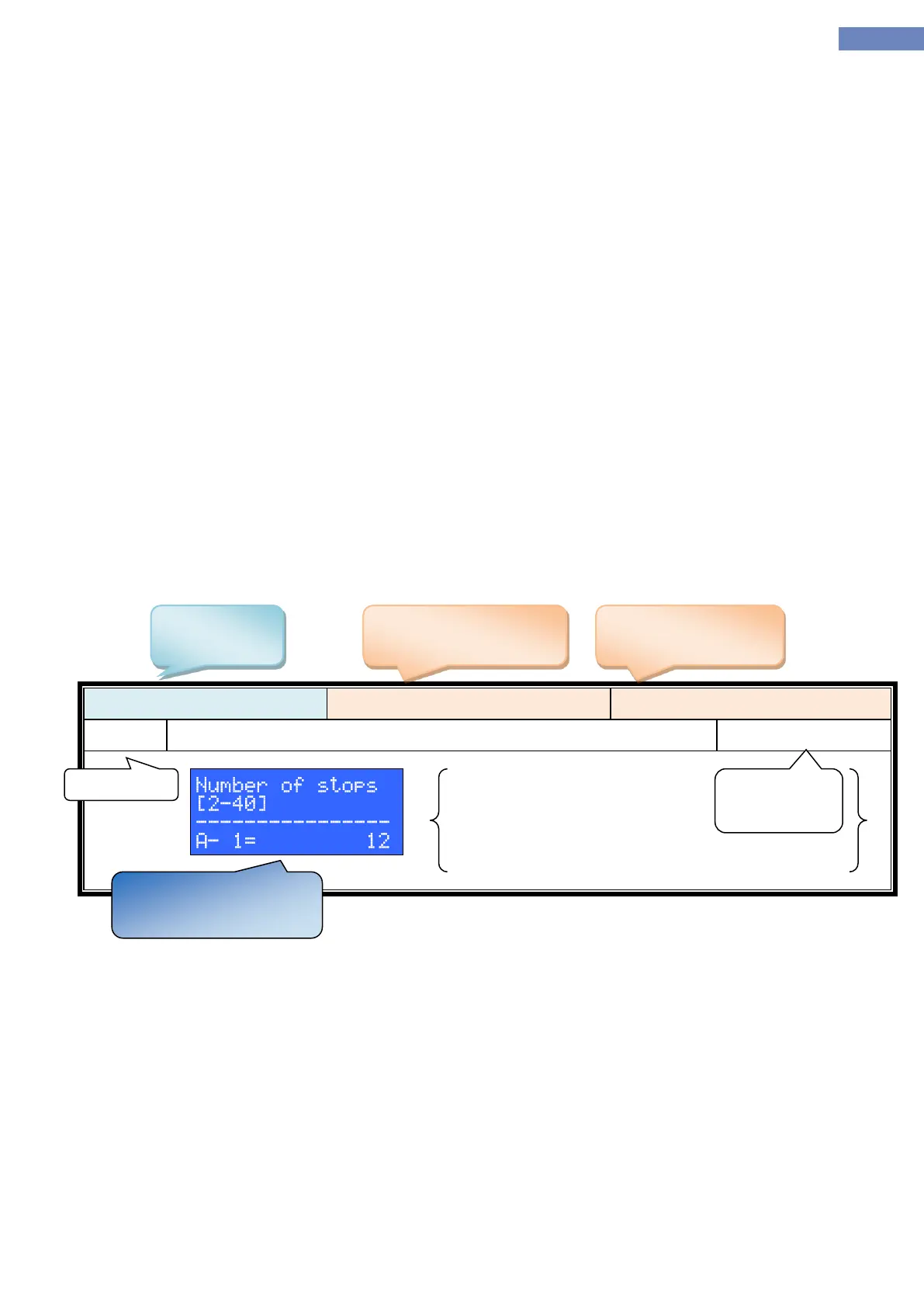
Parameter range is written in brackets.
Example of parameter description in manual:


 To Next Page