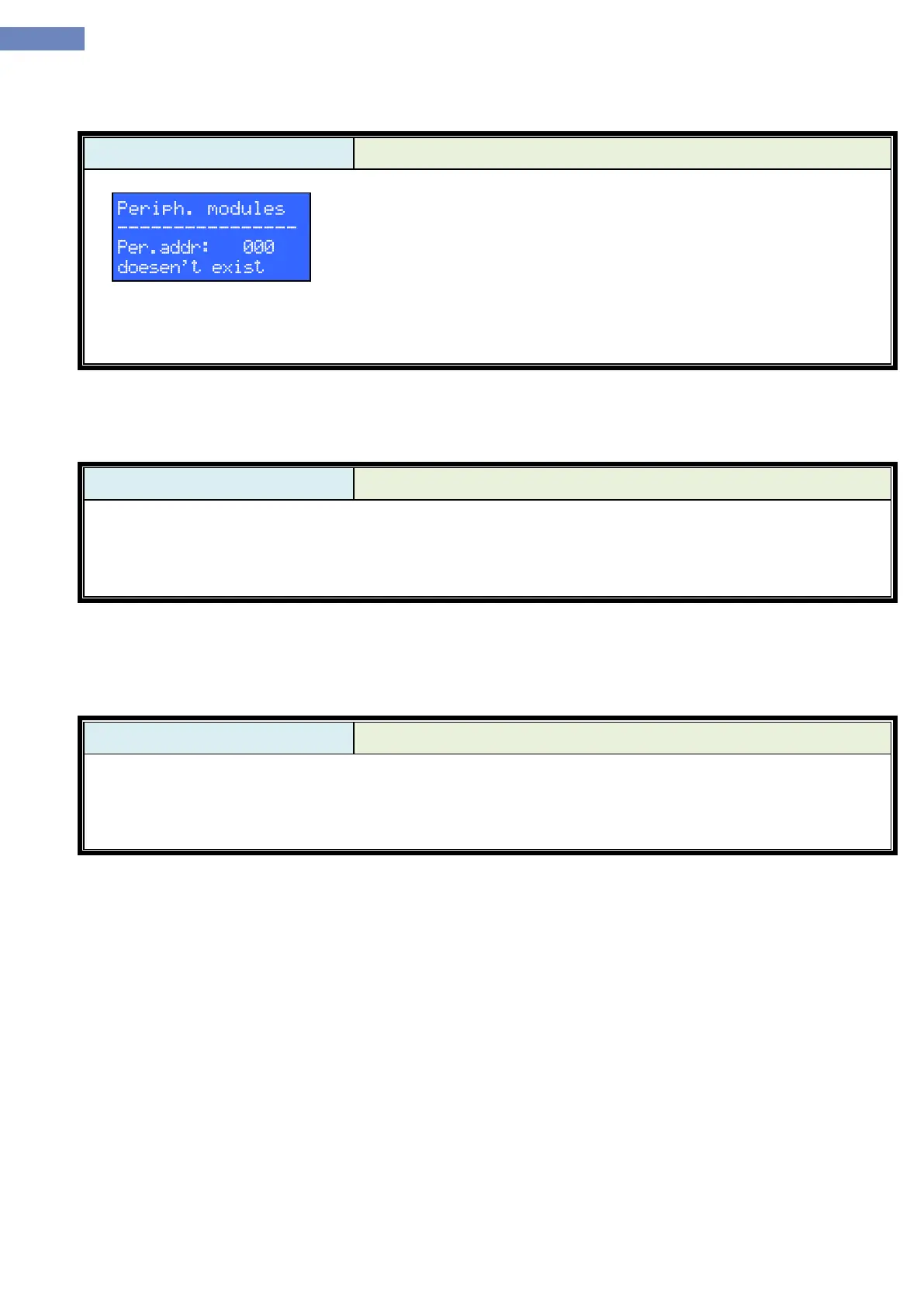
Utility menu is used as as a service menu. Trough utility menu it is
possible to change some system parameters which are not a part of
standard menu.
For accessing the boards address must be put as follows:
1- LC100-K, 2-LC100-E0, 3-LC100-E1, 4-LC100-I, 5-LC100-J, 6-
Reserved, 7-LC100-B…
IMPORTANT!!
For changing the parameters in utility menu contact MLC electronic technical department.
ELGO menu is used for setting the absolute possitioning system. How to set the parameters is explained
in „absolute possitioning system manual“.


 To Next Page