Use and warning instructions in compliance with EC regulations - Annex
OPTIONS
AUTOMATIC FIFTH WHEEL CENTRING
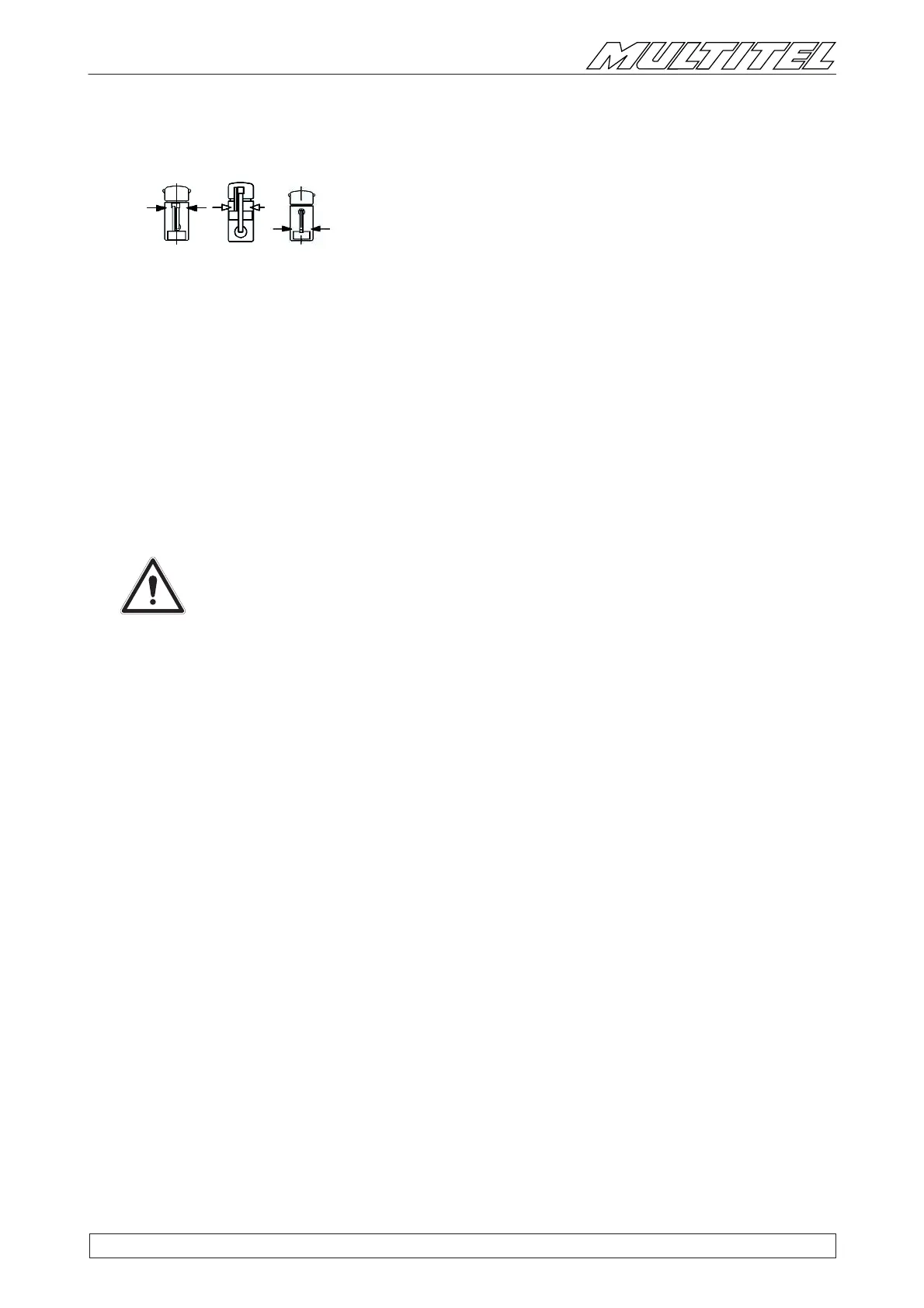
One of the buttons shown at the side (green - varies depending on the
model) is added on the control panel in the cage and on the base control
panel
Pressing the above described button activates the automatic rotation of the fi fth wheel.
This option makes it possible to perform and stop boom rotation automatically when it reaches the descent point, and
place it in its resting position.
Press the button on the cage control panel to make the turret rotate, automatically decreasing the speed until it stops in the
exact point. At the same time, the button will light up, confi rming that it has reached the position.
If actuated from the base control panel, pressing the button must be accompanied by the activation of the proportional
joystick (§6).
If necessary, complete the manoeuvres in manual mode, retracting the telescopic booms and the lowering the booms as explained
in paragraph “PUTTING THE MACHINE IN ITS RESTING POSITION”.
Follow the ‘‘END-OF-JOB STOP’’ procedure to properly fi nish the procedure.
ATTENTION!
During the rotation phase, make sure that there are no obstacles in the way of the booms.
If there is a risk of collision, release the button, change the position of the booms to get past the
obstacle and then start automatic rotation back up again.


 To Next Page