Load a roll media into the printer 27
[5]
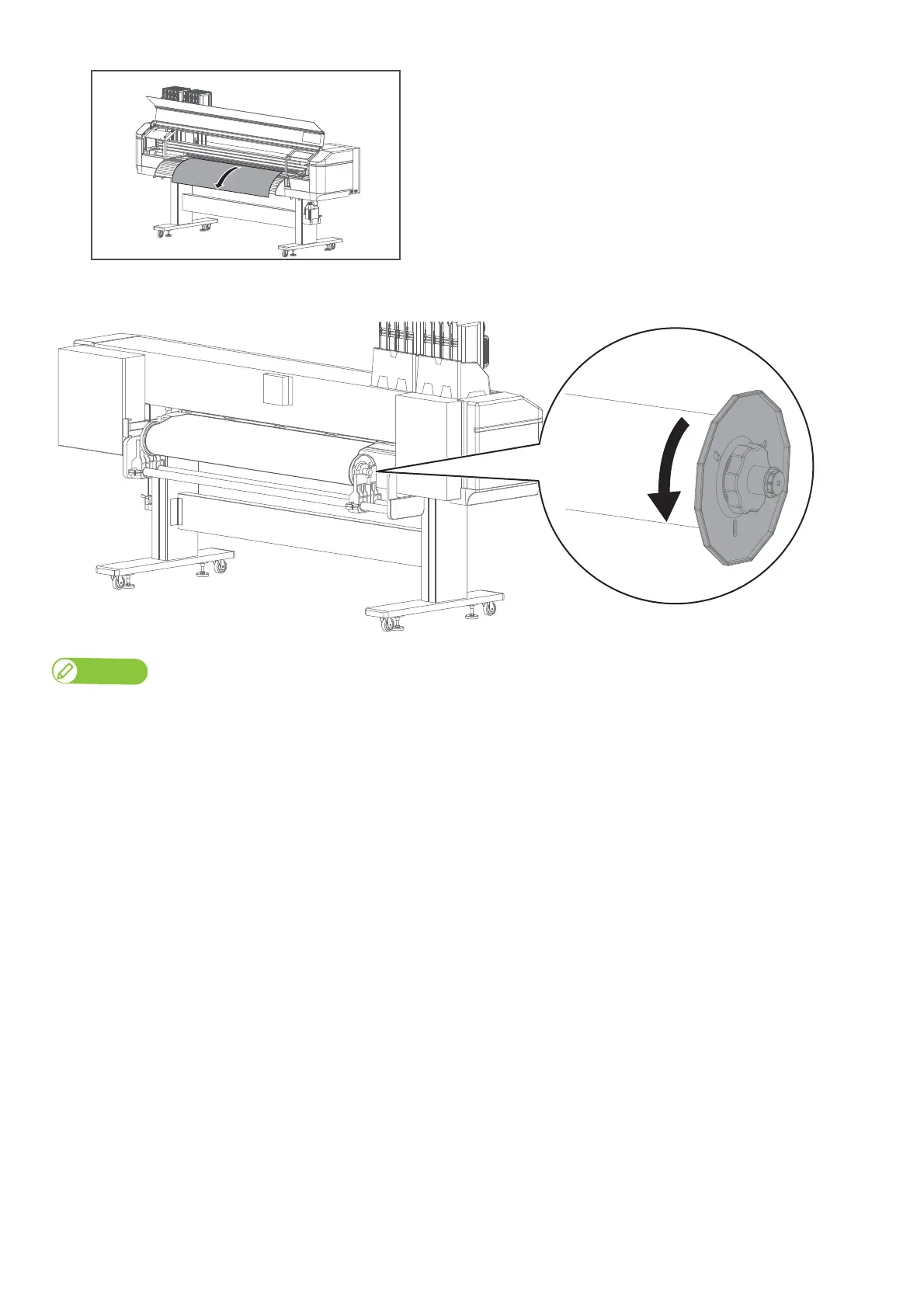
From the front side of the printer, pull the media for approximately
1m.
[6]
While one person holds the front edge of the media, the other person turns the flange to slightly rewind the media
onto the roll to remove warp or skew.
Note
If you remove your hands from the front edge of the media while rewinding, the media can be removed from the media slot.



 To Next Page