28 Load a roll media into the printer
[7]
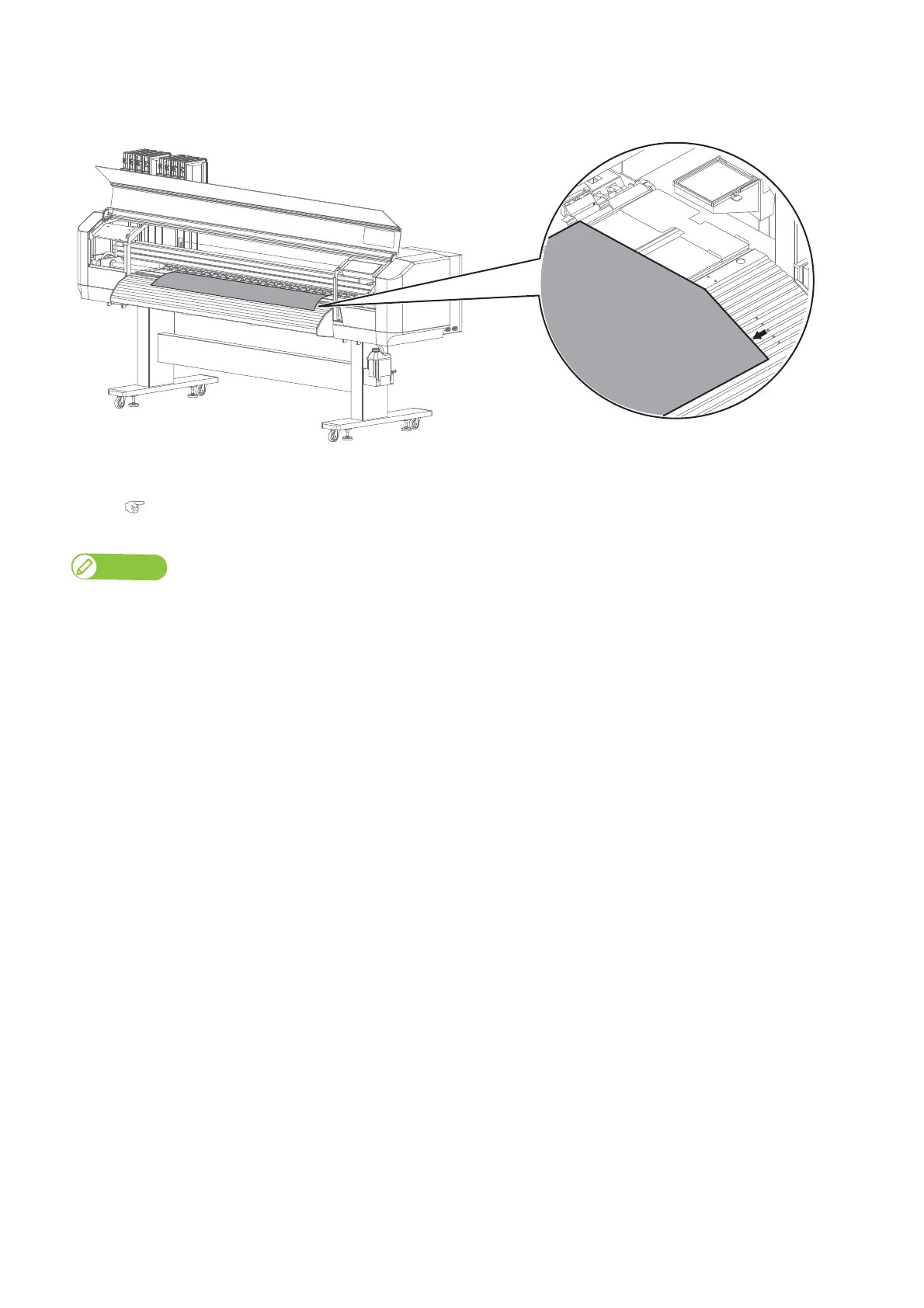
Check that the right-hand edge of the media is located at the left side of the media guide line.
If not, print quality can be affected.
[8]
If needed, use a slide lock lever on the pressure rollers to individually cancel or reduce the holddown pressure.
"Canceling or reducing pressure rollers individually" P. 42
Note
Normally you do not need to adjust the holddown pressure by the slide lock levers.



 To Next Page