4.8 Using the DC Bias
4-30 ZM2371/ZM2372
4.8 Using the DC Bias
ZM2371 / ZM2372 allow the measurement where DC bias voltage up to 2.5V is applied on
polar capacitance, PN junction of semiconductor and etc. To apply the DC bias voltage, set
the bias voltage and turn on the DC bias.
_
BIAS
_
Press the
_
BIAS
_
key to display the DC bias setting menu.
Output status Bias voltage
DC BIAS:OFF 1.50V Current setting
0)OFF 1)ON 2)BIAS Voltage Options
OFF Turns off (0V) the DC bias output
The set value of DC bias voltage is retained inside.
ON Turns on (preset voltage) the DC bias output
However, it is unable to turn on when triggered drive is enabled.
BIAS Voltage Display the DC bias voltage input menu
Press the ON/OFF or perform EXIT operation, and the measurement screen comes back.
BIAS Voltage DC bias voltage input menu is as follows:
BIAS Voltage: 0.00V Current setting
0.00V to 2.50V Range of settable values
It is possible to set at 0.01V in resolution. Enter the numeric value, and press the
_
ENTR
_
key.
If a setting is made or the EXIT operation is performed, one-previous comes back.
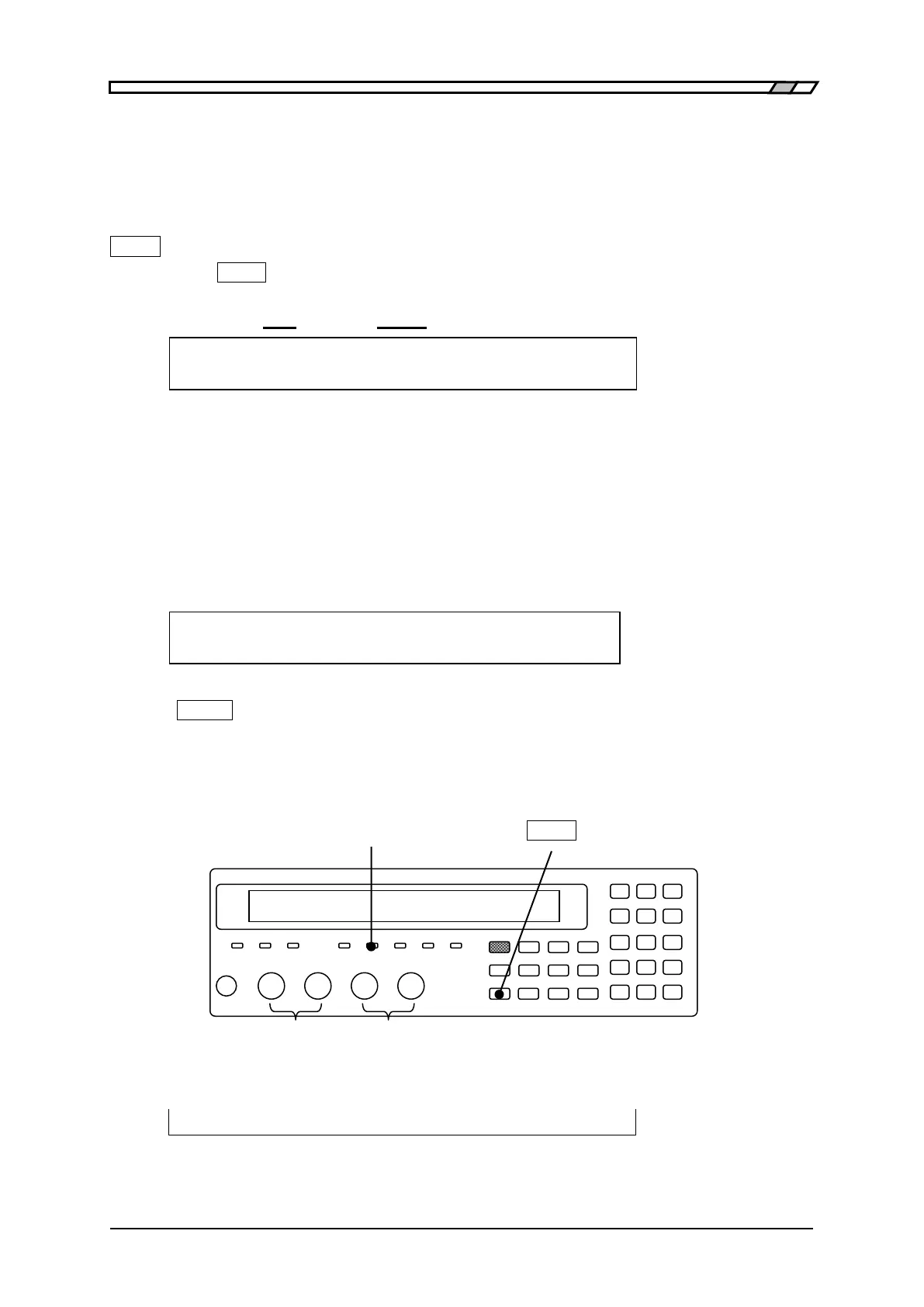
BIAS ON lamp
The BIAS ON lamp of front panel lights up during DC bias output ON.
BIAS ON lamp
_
BIAS
_
Bias polarity: Reference Plus
potential
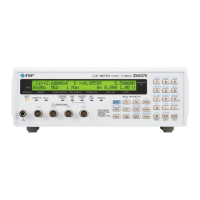
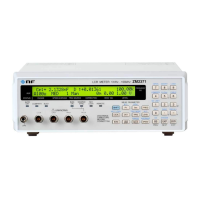
The set value of current DC Bias voltage appears on the second line of measurement screen.
・ ・ ・ ・ ・ ・
1.50
1.00 V
BIAS Vdc


 To Next Page