4.4 Connecting to the Part handler (Handler Interface)
4-15 ZM2371/ZM2372
4.4 Connecting to the Part handler (Handler Interface)
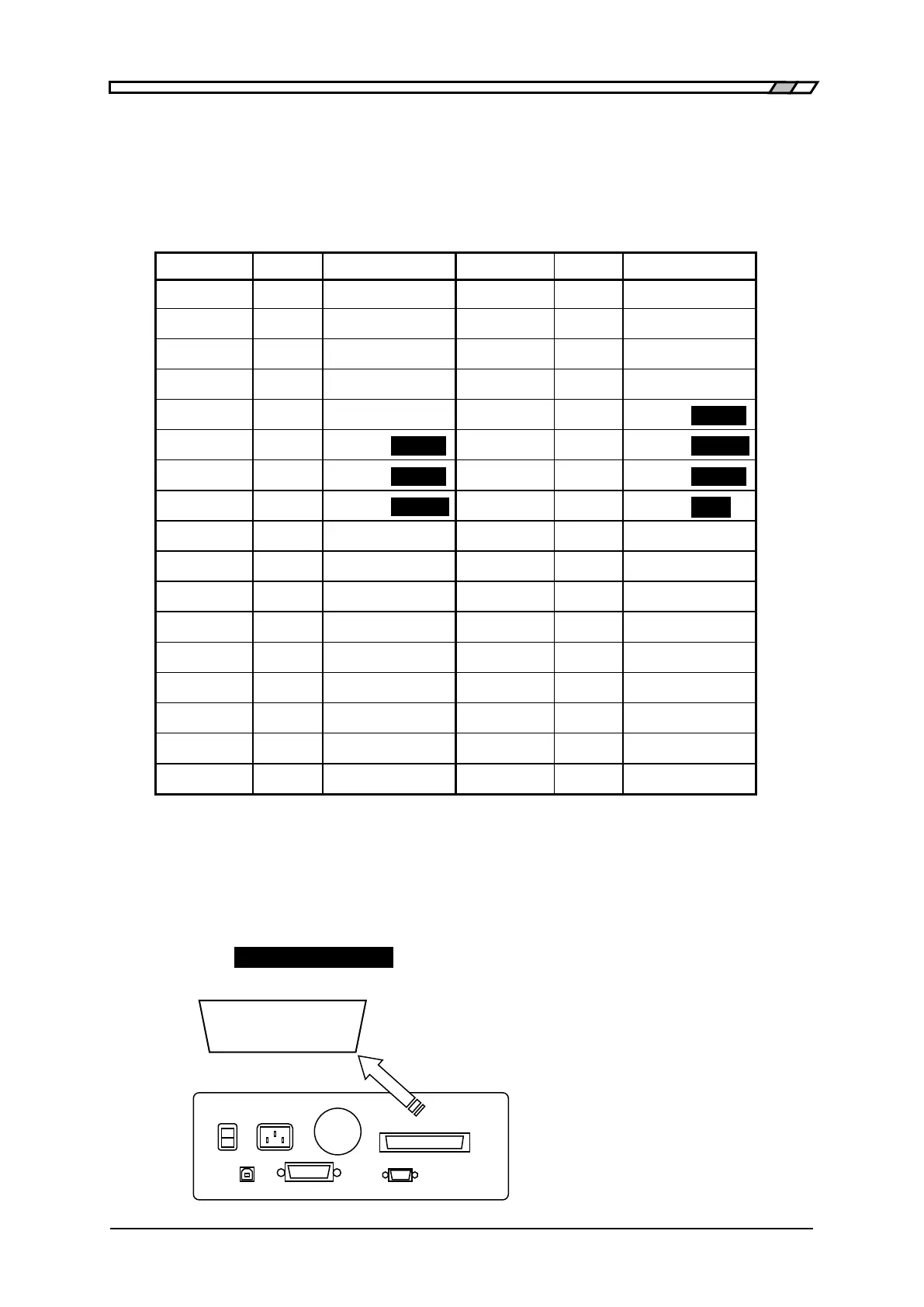
For the ZM2372, the comparator result can be output into the handler interface of rear
panel. Connecting to the part handler allows auto part sorting system to be configured.
The ZM2371 does not have the handler interface.
Table 4–2 Handler interface signal layout
・ The “/” at the top of signal name shows the negative logic where “low level”
specifies “1”.
・ The “( )" shows the signal when number of Bin is expanded (/NC, /PLO and /PHI
are not output).
For the expansion of Bin number • • • “ Expanding the bin number of
primary parameter”.
・ The reversed character shows the output signal in case of limit comparison.
/BIN1 to /BIN14, /PHI and /PLO are not output in case of limit comparison.
25・・・ 2 1 Terminal layout (rear view)
50・・・27 26 DDK57-series 50-pin or equivalent
Rear Panel



 To Next Page