3.5 Basic Operations
3-42 ZM2371/ZM2372
3.5.6.5 Measurement Speed
_
SPEED
_
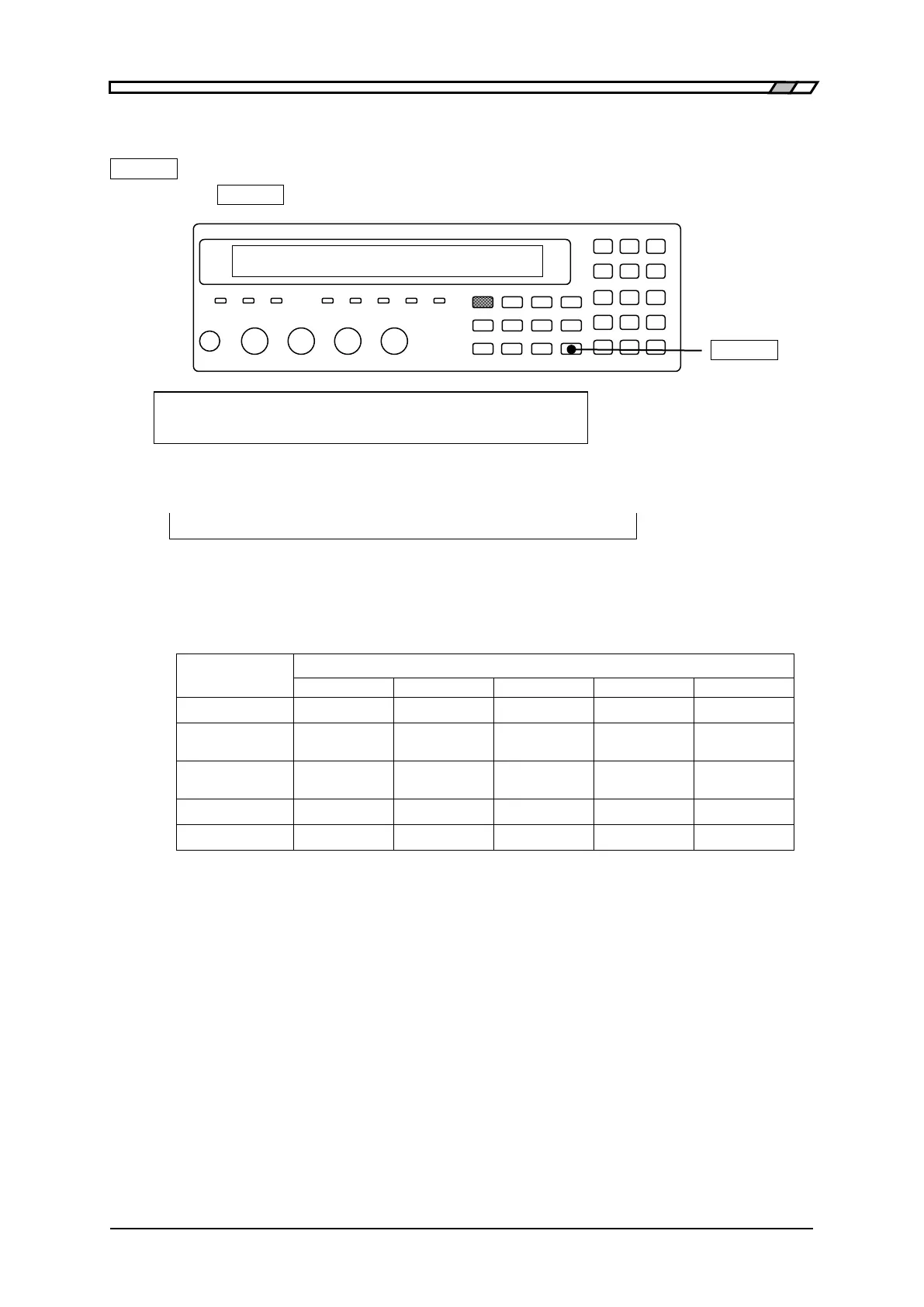
Press the
_
SPEED
_
key to display the measurement speed setting menu.
_
SPEED
_
Measuring Speed : FAST Current setting
0)RAPID 1)FAST 2)MED 3)SLOW 4)VerySLOW Range of settable values
If a setting is made or the EXIT operation is performed, one-previous menu comes back.
Current measurement speed is displayed on the second line of measurement screen.
A100
FAST
256 Int OpShLd1m ・ ・ ・ ・ ・ ・
SPEED/AVERAGE
Measurement speed: RAPid / FAST / MEDium / SLOW / VerySLOw
(Lower-case letters are not displayed)
Table 3–4 Example of measurement time (typical values)
Conditions: Measurement range hold, Trigger delay time = 0, Averaging count = 1
The measurement time of direct current (DC) is the time added when DC
resistance is measured.
The measurement time at other frequencies is the time from input of TRIG signal
to output of EOM signal through the handler interface when DC resistance is not
measured.
The values in ( ) at 120Hz and 1kHz express the signal acquisition time with the
cycles of the signal.
The signal acquisition time is obtained by subtracting the calculation time of about
1ms from the time given in table.
However, the signal acquisition time of direct-current resistance Rdc is obtained by
subtracting about 83ms from the time given in table.
For details of signal acquisition time ”Figure 3-6 Signal acquisition time”
After the signal acquisition, the DUT can be replaced.



 To Next Page