4.1 Restricting the Variation of Measured Values (Averaging)
4-2 ZM2371/ZM2372
4.1 Restricting the Variation of Measured Values (Averaging)
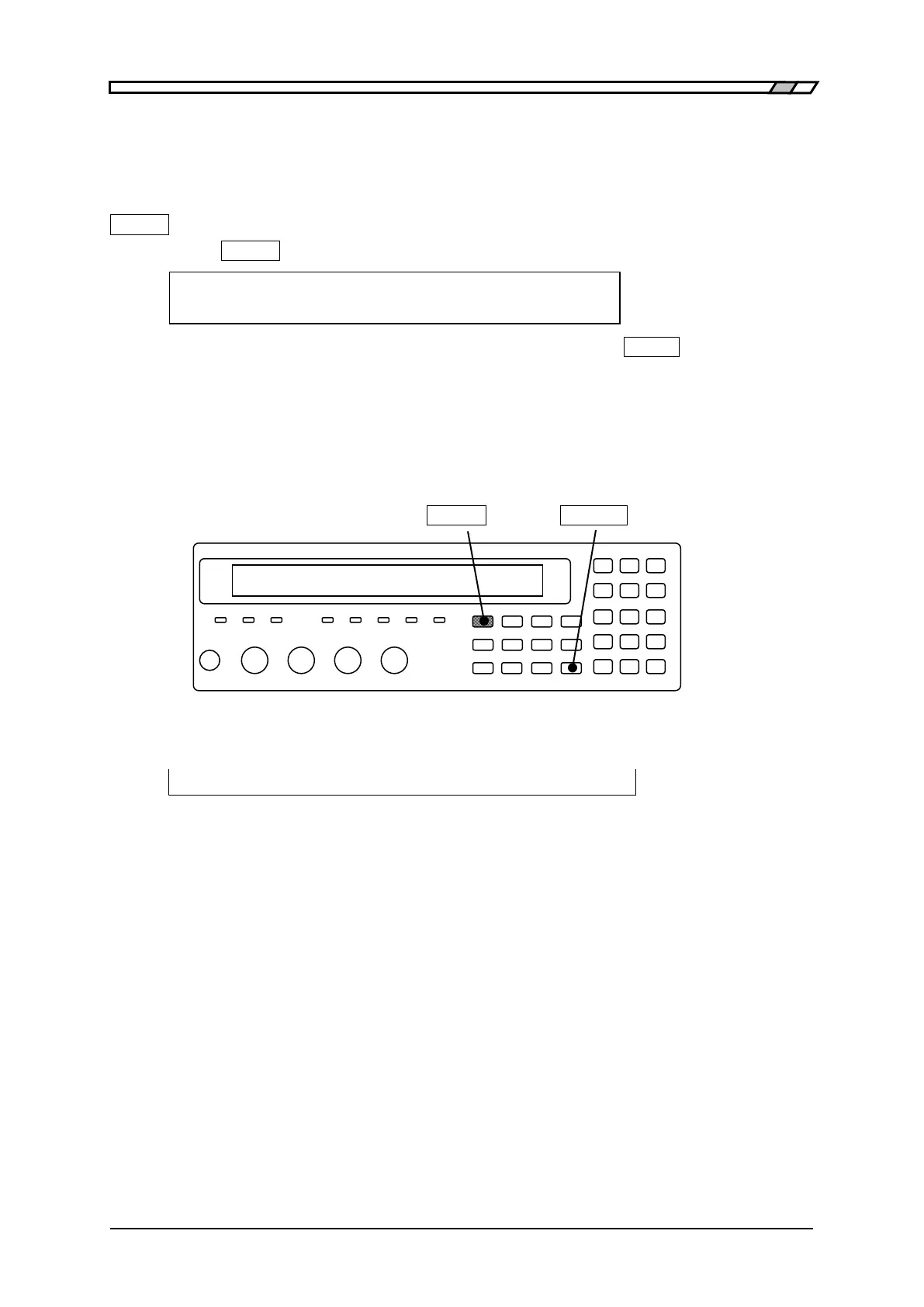
When measured values vary due to the noise, it is able to restrict the variation by the
averaging function.
_
SHIFT
_
+ [AVERAGE]
Press the
_
SHIFT
_
+ [AVERAGE] keys to display the averaging count setting menu.
Averaging times = 256, ON Current setting
1 to 256 Range of settable values
Enter the averaging count with the numeric key, and press the
_
ENTR
_
key.
If a setting is made or the EXIT operation is performed, the measurement screen comes
back.
If the averaging count is set to “1”, the averaging function is disabled (OFF).
If the averaging count is set to “2 to 256”, the averaging function is enabled (ON).
_
SHIFT
_
_
SPEED
_
| [AVERAGE]
The current averaging count is displayed on the second line in measurement screen.
A100k FAST
256
Int OpShLd1m ・ ・ ・ ・ ・ ・
SPEED/AVERAGE
Averaging count: 1 to 256
When the averaging function is enabled, the signal acquisition time becomes the
multiple number of the averaging count. To sensitively adjust the measurement speed in
consideration of the balance with the variation or fluctuation of measured values, speed
up the measurement speed and adjust it by the averaging count.
Even if the measurement speed is RAP or FAST, increase the averaging count, so that
the measurement accuracy achieved when measurement speed is MED can be used
when the signal acquisition time of MED is exceeding.



 To Next Page