5.6 Command Explanation
5-21 ZM2371/ZM2372
5.6 Command Explanation
5.6.1 Summary of Terms
Summary of terms used are explained below.
5.6.1.1 Subsystem Commands
Commands are divided into groups depending on their function. Subsystem commands are
arranged in a hierarchy. The colon ( : ) is defined as the path separator.
5.6.1.2 Path Separator
The path separator ( : ) separates the current keyword from the keywords one level lower.
In a command character string, each colon ( : ) indicates a displacement to the path one level
below the current path.
When the colon ( : ) is found at the beginning of a command character string it means “to set
the current path to root”. The current path is also set to root by the power on, *RST
command, or message terminator. The beginning of a program message is always set to root.
A colon ( : ) at the beginning of a command character string is omissible arbitrarily.
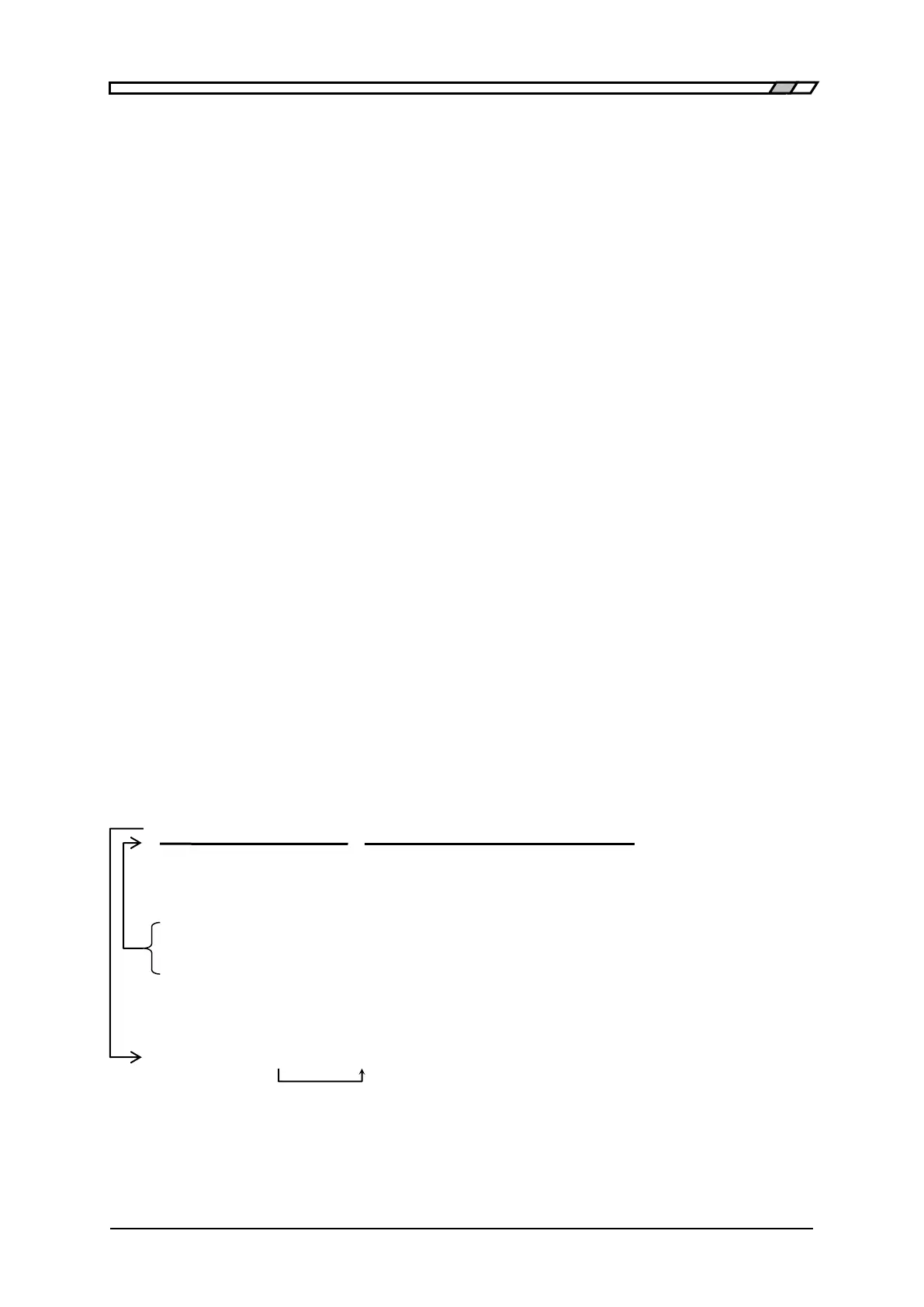
: S Y S T: K L O C 1
(1) Set current path to root (Omissible)
(2) SYSTem subsystem command (SYSTem is a root command)
(3) SYSTem subsystem attached KLOCk command
(4) A space is reqired between the header and the parameters
By separating the commands with a semicolon ( ; ), plural command character strings can be
put together into one program message.
:CALC1:MATH:STAT ON ; :CALC1:MATH:EXPR:NAME PCNT
Command 1 Command 2
The above example shows one program message equivalent to the following two
program messages.
:CALC1:MATH:STAT ON Current path after execution is :CALC1:MATH:
:CALC1:MATH:EXPR:NAME PCNT Current path after execution is:CALC1:MATH:EXPR:
If a colon ( : ) is omitted in the second and subsequent command character strings, the
subsystem command on the same level is accessible without changing the current path.
:CALC1:MATH:STAT ON ; EXPR:NAME PCNT In second command:CALC1:MATH:
is omissible
In both cases, the program message terminator at the end is omitted.



 To Next Page