3.5 Basic Operations
3-50 ZM2371/ZM2372
3.5.6.8 SHORT Correction
Executing the SHORT correction can make the impedance zero when the measurement
terminals are shorted. For the SHORT correction value, a numeric value can be given,
besides measurement by shorting the measurement terminals.
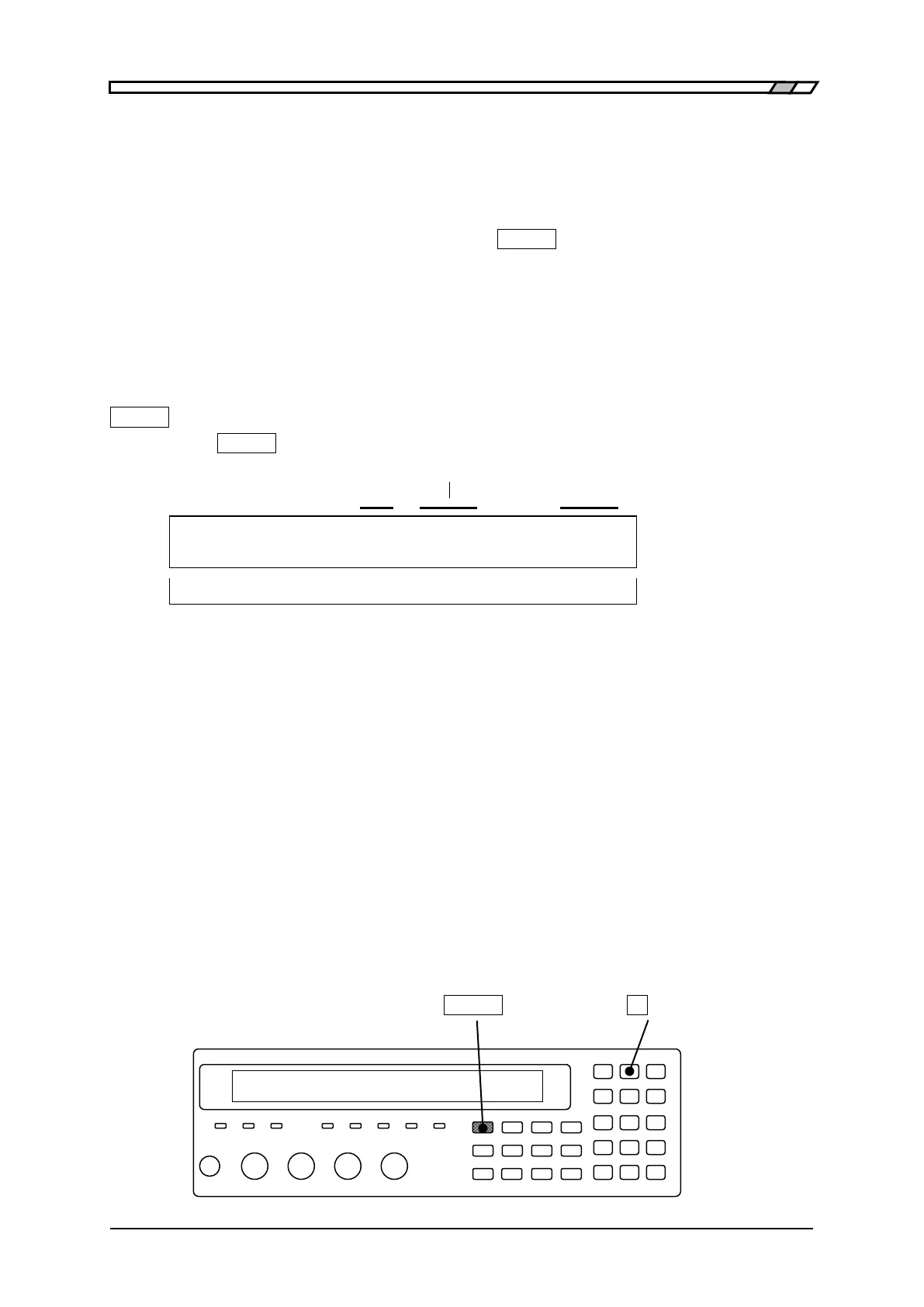
With the measurement terminals short, press the
_
SHIFT
_
+ [SHORT] keys to display the
SHORT correction menu, and select Measure, so that the impedance when the measurement
terminals are shorted can be corrected to zero.
To set directly the SHORT correction value at current measurement frequency, first select
FRMT to specify the format, and then select Entry to set a correction value, and finally
select ON.
The operation of SHORT correction is executed with the SHORT correction menu.
_
SHIFT
_
+ [ SHORT ]
Press the
_
SHIFT
_
+ [SHORT] keys to display the SHORT correction menu.
Lower limit or spot
OFF|ON Format
SHORT Correction:OFF 100 Hz- FRMT: Ls-Rs Current setting
0)OFF 1)ON 2)Measure 3)SPOT >NEXT Options (first page)
4)LowFREQ 5)FRMT 6)Entry <PREV Options (second page)
OFF Disables the SHORT correction and returns to the measurement screen.
SHORT correction value is held internally.
ON Enables the SHORT correction and returns to the measurement screen.
Measure Measures the SHORT correction value.
Upon completion, enables the SHORT correction and returns to the
measurement screen.
SPOT Displays the spot correction menu.
LowFREQ Displays the lower limit frequency setting menu for zero correction.
FRMT Displays the format setting menu for spot SHORT correction value.
Entry Displays the spot SHORT correction value input menu.
The spot correction menu and the lower limit frequency setting menu are common to
the OPEN correction and SHORT correction. Same results can be obtained if making
a setting on either side. For details “3.5.6.7 OPEN Correction”.
Perform the EXIT operation to return to the measurement screen.
_
SHIFT
_
_
8
_
| [SHORT]



 To Next Page