5.1 Preparations Before Use
5-2 ZM2371/ZM2372
5.1 Preparations Before Use
ZM2371 can be remote controlled by USB or RS232.
ZM2372 can be remote controlled by GPIB, USB and RS232.
By sending program messages from the controller it is possible to control the device
similarly to panel operations and to receive measured values or setting status as response
messages.
The connectors of respective interfaces are located on the rear panel of the ZM2371 /
ZM2372.
5.1.1 Remote Control Interface Selection
The ZM2371 / ZM2372 use either one of USB, RS-232, and GPIB as a remote control
interface. Plural interfaces cannot be used at the same time.
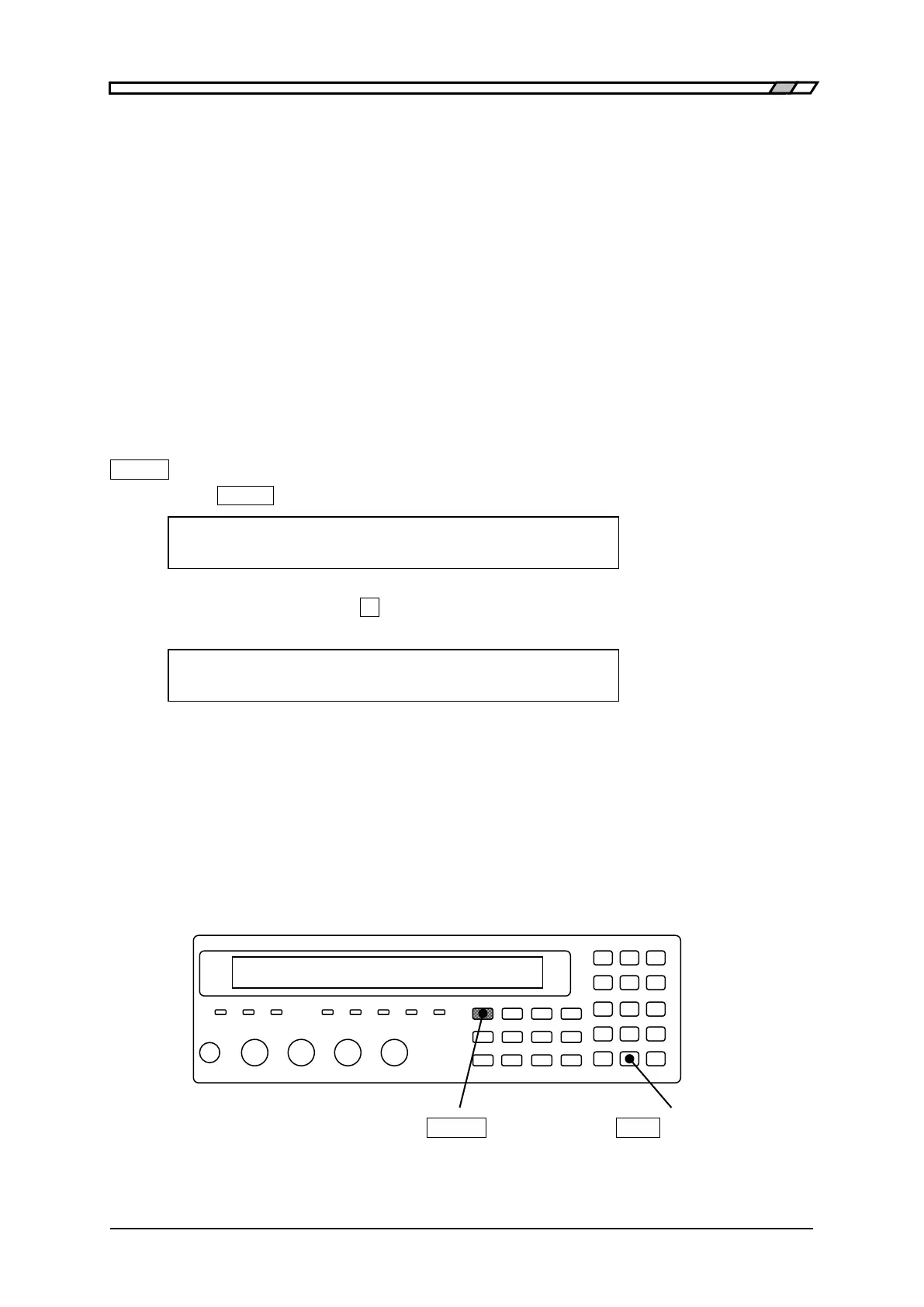
The setting of remote control interface is made from the system setting menu.
_
SHIFT
_
+ [ SYSTEM ]
Press the
_
SHIFT
_
+ [SYSTEM] keys to display the system setting menu.
SYSTEM settings
0)INTERFACE 1)BEEPER >NEXT Options (first page)
Select INTERFACE with the
_
0
_
key, and the remote control interface setting menu is
displayed.
INTERFACE:USB Current setting
0)USB 1)RS-232 2)GPIB Options
USB Selects USB (initial value) and displays the USB confirmation screen.
RS-232 Selects RS-232 and displays the RS-232 setting menu.
GPIB Selects GPIB and displays the GPIB address setting menu.
Select either one with a numeric key.
For the ZM2371, however, GPIB is not displayed as an option and cannot be selected.
Perform the EXIT operation to return to one-previous menu.
_
SHIFT
_
_
EXP
_
| [SYSTEM]



 To Next Page