4.11 Self-Diagnosis
4-39 ZM2371/ZM2372
4.11 Self-Diagnosis
The self-diagnosis function for analog measurement circuit is built in the ZM2371 / ZM2372.
This function automatically runs when Power On, besides you can use it at your option.
_
SHIFT
_
+ [ SYSTEM ]
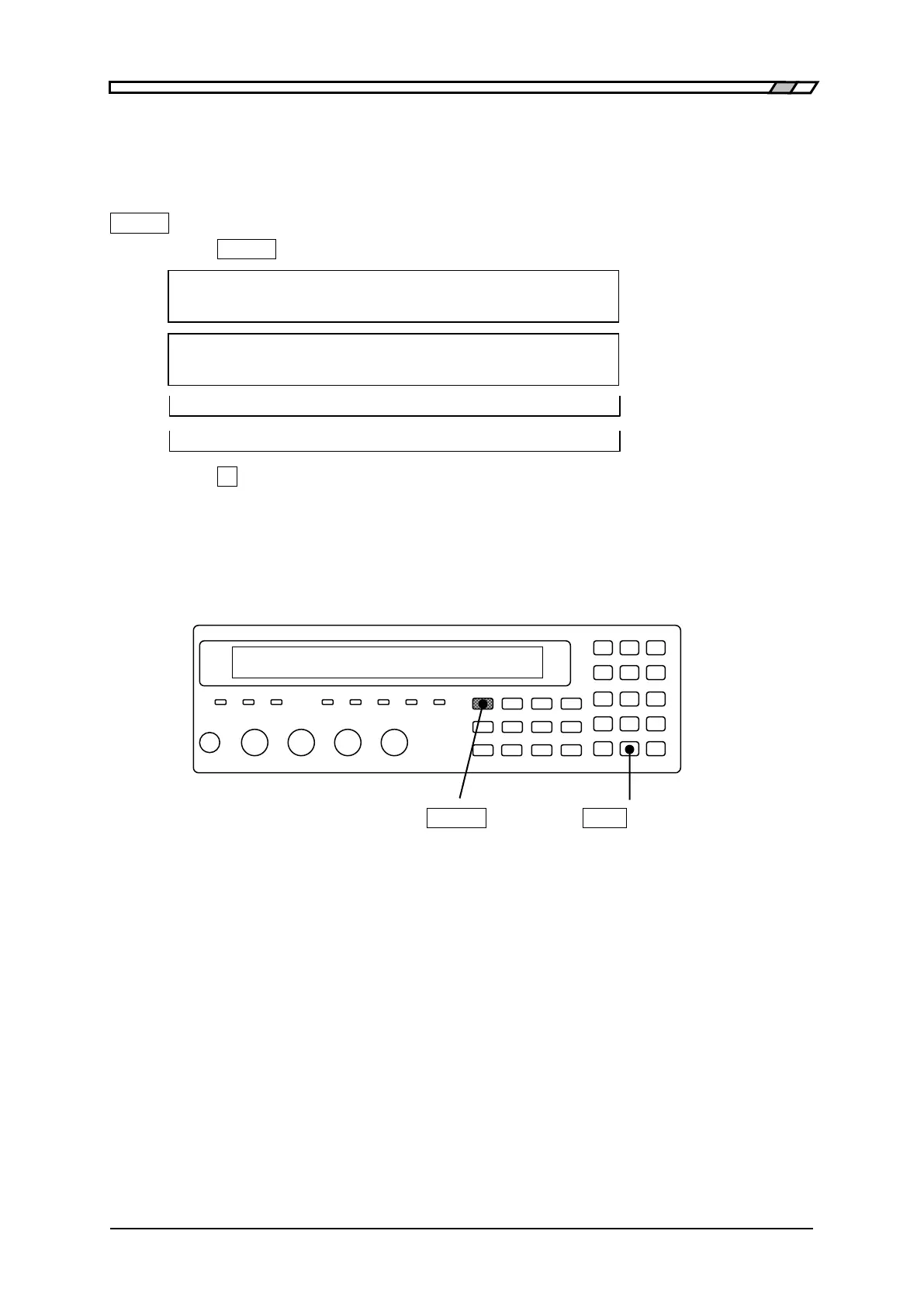
Press the
_
SHIFT
_
+ [SYSTEM] keys to display the system setting menu.
SYSTEM setting
2)INITIALIZE ALL 3)SELF TEST < > Options (second page)
SELF TEST
Running Running message
Passed Pass message
Hardware failed Error message example
Press the
_
3
_
key to start the self-diagnosis, and display the “Running message”.
The self-diagnosis function finishes after several seconds, and if there is no error, the
“Pass message” appears for a short time and the measurement screen comes back. It is
impossible to interrupt this diagnosis function.
_
SHIFT
_
_
EXP
_
| [SYSTEM]
If there is an error, the following error message is displayed.
• Hardware failed Error of general measurement circuit
• Oscillator failed Error of drive signal source
• Analyzer failed Error of voltage/current measurement section
The serious error of measurement circuit can be detected by the self-diagnosis function.
Slight error cannot be found. To enhance the reliability of measurement, we recommend you
to make a periodical inspection such as starting inspection. The measurement of the DUT
whose correct value was already identified enables even the slight error to be detected. To
make a critical measurement, it is preferable to check before and after the measurement.



 To Next Page